Konnektive is the long-running headless CRM and payment router for high-volume direct-response and subscription offers. It is worth the contract when you already run your own landing pages and several MIDs, not when you need a visible price or a drag-and-drop funnel.
My take
I would take the sales call only after a developer has a place to install the form code and the offer already spreads charges across more than one merchant account. I would pass if I still need a monthly number on the website before anyone calls me back.
Read the full Konnektive review
What Konnektive CRM actually is
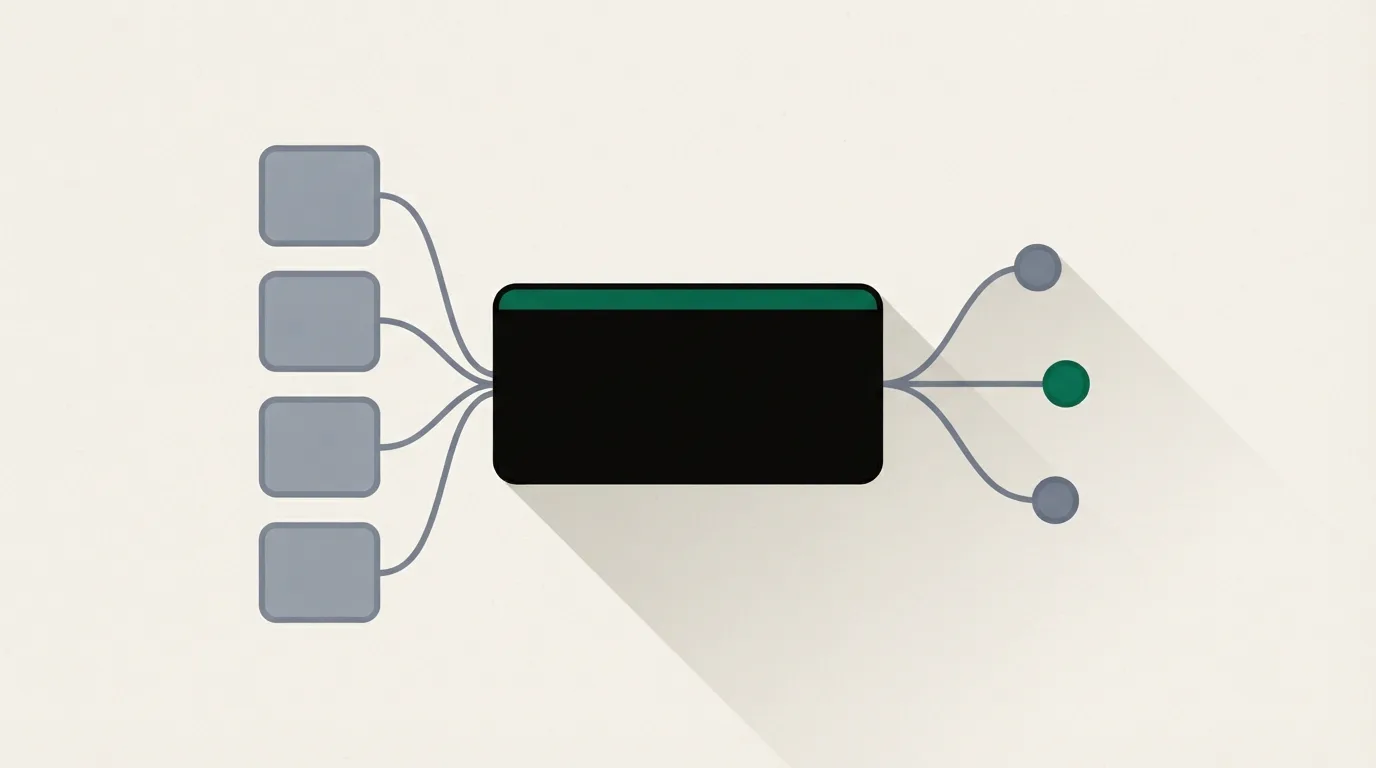
Konnektive CRM is the order system. Customers, gateways and rebills sit on one record, and the campaign, the subscription, the upsell, the affiliate ID and the call-center screen all read that record.
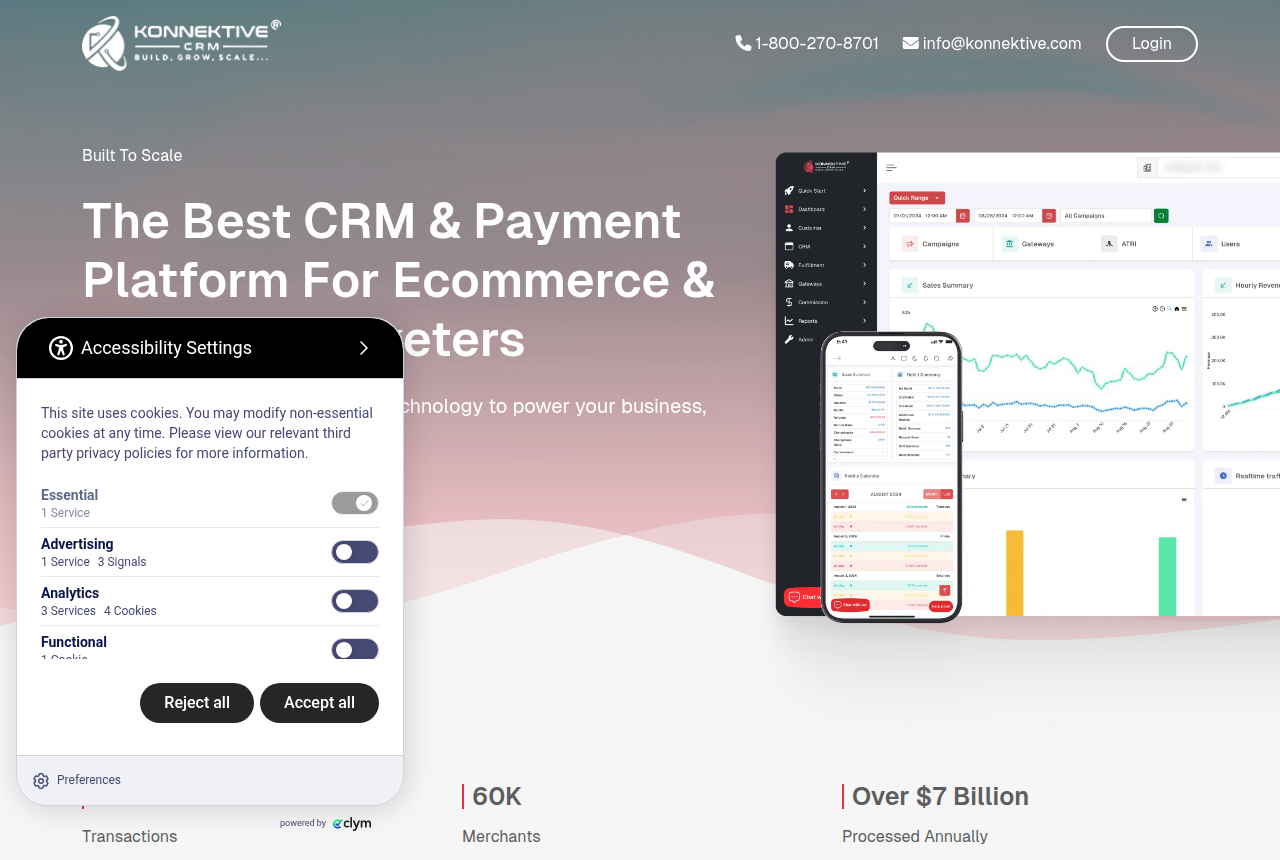
You bring the pages. Konnektive's homepage tells you to create form code for those pages and to capture partial data in real time. It says a developer can install that code in minutes.
The same page frames global selling as processor reach: over 250 payment processors and native support for over 100 currencies. Programmable MID selection is the control it names for reducing merchant fees, by choosing which account takes the sale.
The volume line there is the company's own count: more than 200 million transactions, 60K merchants, and over $7 billion processed a year.
Checkout Champ's about page says the company licensed the Konnektive engine and then built a product for ecommerce. Readers who want funnel pages and a published plan should use the Checkout Champ review.
Who Konnektive CRM is for
It fits a team that already runs subscriptions, upsells, a call center and fulfillment from one dashboard, and that has a developer for the landers. The homepage speaks to ecommerce brands and affiliate marketers working at that volume.
- Continuity offers that rebill from the same customer record.
- A call center and a fulfillment export that should share that record.
- A developer who can place the embed on pages the team already owns.
Pass when you want self-serve signup, a funnel builder, or a monthly price on the website. The button on the homepage is Schedule A Call.
Sticky.io is the usual name beside it when the question is a visual checkout on a similar CRM. The Konnektive vs Sticky.io page sets them side by side, and the Sticky.io review stays on that product. A hosted cart that includes the page is a different purchase, covered in the SamCart review. Other ways off this platform are on the Konnektive alternatives page.
The ads in front of this CRM still need a tracker. The stack picker matches the tracker, the checkout and the video player to the offer.
Is Konnektive worth it?
The useful test is the contract: prepaid activation, a meter on customers or transactions, and a cap on the annual raise.
Every account is prepaid. The billing policy says payment has to arrive before any billable product or service is activated. Subscription and service fees are non-refundable, with no proration at any time.
The standard agreement calculates fees by the number of customers or the number of transactions, whichever is greater. A quiet month with a large customer file can bill on customers. A burst of one-time orders can bill on transactions. On each anniversary Konnektive may raise those fees, and the agreement caps the raise at five percent.
Cancellation starts by email. The billing policy requires an emailed request, and it gives admin@konnektive.com as the address.
Capterra publishes a starting monthly figure for this CRM. That figure belongs to the directory. Konnektive's own pages leave the price off the site. The card here holds the directory line.
Konnektive CRM
- Capterra (13 Oct 2026)
- $499/month, a directory figure
- On konnektive.com
- Booked call, no public price
For a team whose landing pages and merchant accounts are already in place.
G2 shows only a handful of Konnektive reviews, a small sample beside the merchant count on the homepage.
One G2 reviewer wrote, "Learning curve is a little bit high, there are a lot of screens and pages to navigate to find the information you are looking for." A second review says "customer support felt lacking during system problems and frequent program interruptions."
On Trustpilot, the written praise is about customer service. One review says "the customer service being so responsive is what sets them apart completely from the competition."
Konnektive CRM API: a login on every call
The Konnektive CRM API is a REST service on api.konnektive.com. The docs say every call needs a loginId and a password from an API user created inside the account. HTTPS is required because those calls carry sensitive customer data.
Lead capture is the Import Lead API. It adds a new lead through an HTTP GET or POST, so a custom page can record the buyer before checkout completes. The order calls sit further down the same documentation.
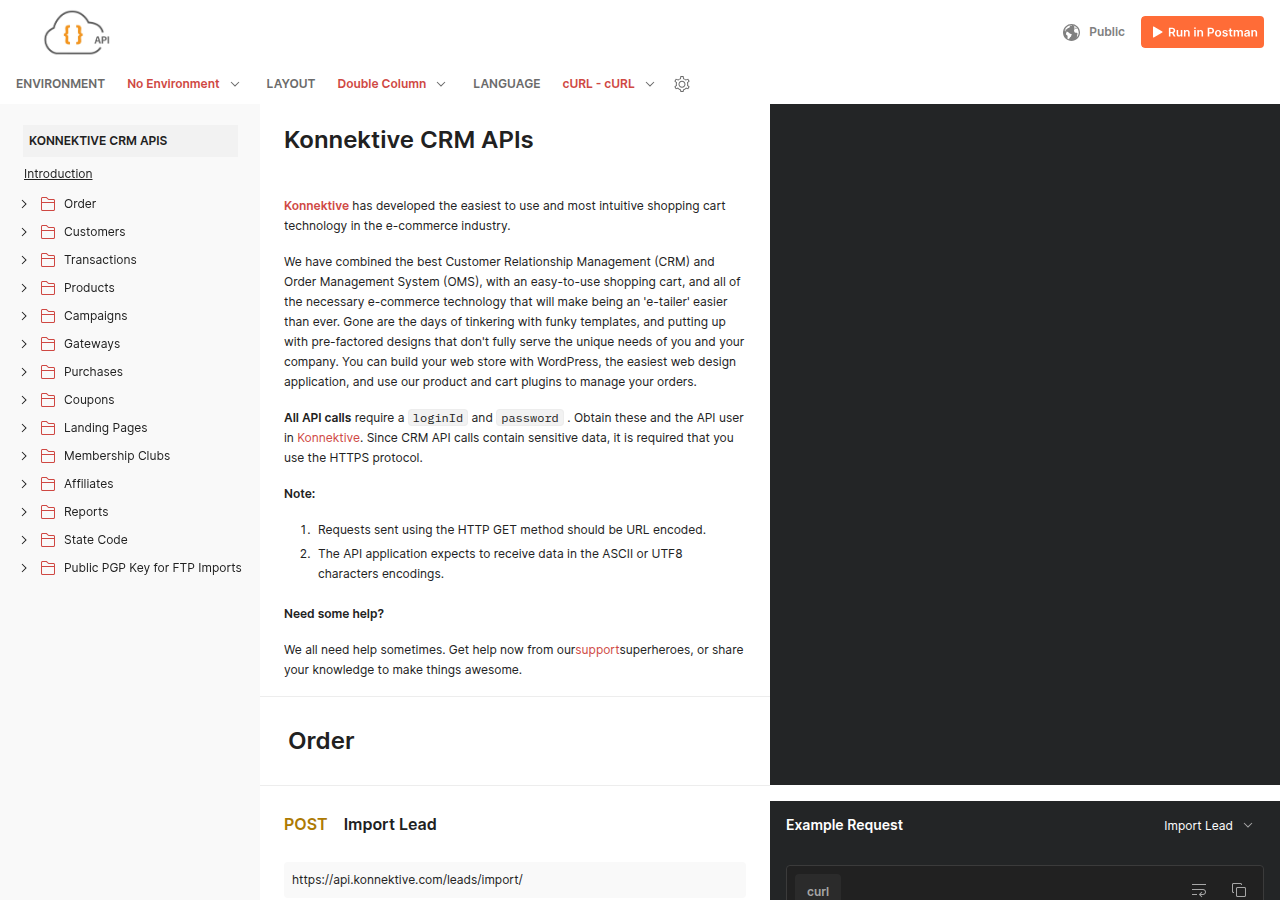
Capterra's listing says no programming skills are needed to get the data you need. That line is about reports inside the account. A lander that creates the lead still goes through this API and a developer.
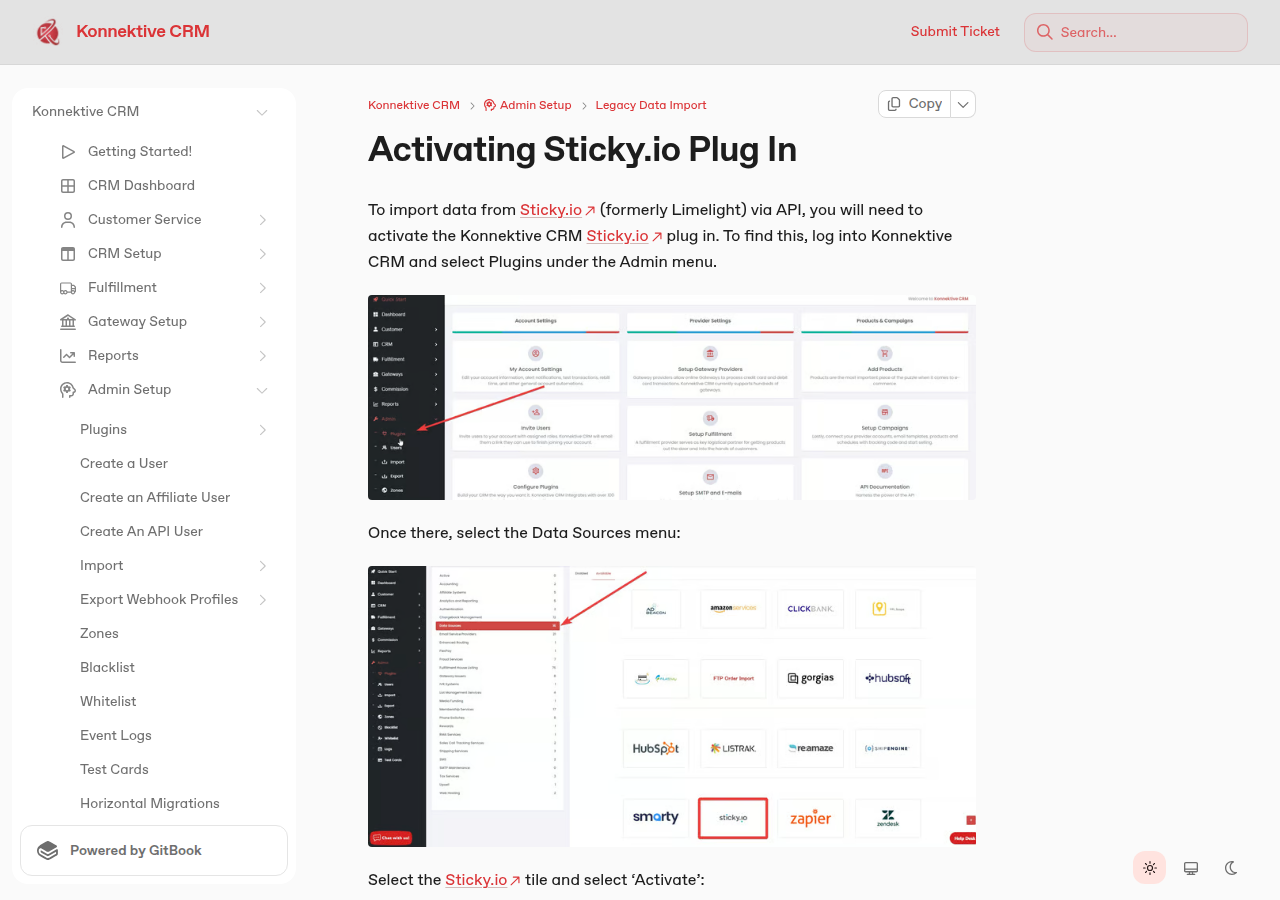
The help center says that to import data from Sticky.io, formerly Limelight, you activate the Konnektive CRM Sticky.io plugin. The steps run through Admin, then Plugins, then Data Sources.
The full review holds the contract
Take Konnektive when the pages are already yours and the charges already need several MIDs.
If cost is the blocker, read how the Konnektive contract bills.
Sources
- Konnektive homepage
- Konnektive billing policy
- Konnektive end user license agreement
- Konnektive API documentation
- Konnektive help, Sticky.io plugin
- Checkout Champ, about the company
- Capterra listing for Konnektive CRM
- G2 reviews of Konnektive, pros and cons
- G2 reviews of Konnektive
- Trustpilot reviews of Konnektive
Related reading
- Full Konnektive review
- How the Konnektive contract bills
- Checkout Champ review
- Checkout Champ pricing
- Konnektive vs Sticky.io
- Checkout Champ vs Konnektive
- Sticky.io review
- Konnektive alternatives
- Stack picker for checkout and tracking
- Direct-response CRMs for continuity offers
- Subscription billing software for continuity offers
- Chargeback alerts and representment for high-volume sellers
- How we evaluate tools
- All software reviews

Written by
Marcus Flynn
Tracking and attribution editor
Marcus Flynn runs OfferROAS's tracking and attribution desk. He covers direct-response paid media for this site, from the tracker to the merchant account. He reads operator threads, vendor changelogs and pricing pages, then writes what those sources support. He sets the methodology and puts his name on the commercial pages.
Last checked 2026-10-16
Comments
No comments yet. Questions and your own experience are welcome.
Thank you. Your comment will appear once it has been reviewed.