Bot installs showed up as real attributed installs, and the MMP invoice grew with them. If that is why you are looking at Adjust alternatives, ask what the next tool counts. What it counts and what it calls fraud are two separate things.
A filter can mark a click and still leave that click inside the monthly meter. Once you know which actions increment the counter, run your real click volume through the ad tracker cost calculator.
My take
I'd confirm what the next tool counts before I cancel Adjust. An install-priced MMP bills the attributed install, so fake installs that slip past the filter land on the invoice. The web trackers below charge for clicks, visits, visitors, or a flat monthly fee. RedTrack is the only tracker here that keeps blacklist-blocked redirect traffic off the event limit. I'd take the unit from the section that matches the traffic and put that volume in the calculator. Each definition below is the vendor's own. We do not run these trackers on live campaigns. The methodology page is where that reading is spelled out.
Run the ad tracker cost calculator
Adjust alternatives: the bill follows the attributed install
Per-conversion pricing makes the install the line item. Airbridge's article on billing asks what happens to the invoice when a bot sends 100,000 fake installs and none of them are caught. On that model, installs the fraud layer misses are installs you pay for.
Industry comparisons describe Adjust's Fraud Prevention Suite as an add-on for Core and Enterprise clients, at an extra cost. An Everflow case study with Bold Screen says rejected proxy installs are marked as rejected and can be viewed as Untrusted Devices in the Adjust reporting dashboard. That write-up shows where the rejects sit in reporting. The invoice treatment of a rejected install is outside what that case study covers.
For a web funnel, the practical Adjust alternatives are the click and visitor trackers in the rest of this guide, plus the server-side conversion you post back to the ad platform. They fit a lander, a click and a sale. If the only job is app-install attribution, stay with an install MMP. When you replace the tracker, the checkout and the VSL in one pass, use the stack picker for tracker, checkout and VSL. The full ranking is in the best ad tracking guides.
Does Voluum charge for bot traffic?
Yes, for anything Voluum records as a paid event. Voluum's event article says impressions, visits, clicks and conversions use the plan quota in the same way. Ten impressions count as one billable event. A visit counts as one, a click counts as one, and a conversion counts as one. Go past the quota and Voluum adds the extra events to the invoice when the cycle closes, at that plan's overage rate.
Pop and push buyers meet this rule first. The buy is full of ad views, and those views share the quota with every visit and every conversion. A quiet search campaign and a loud pop campaign can post the same click count and still burn the allowance at different speeds.
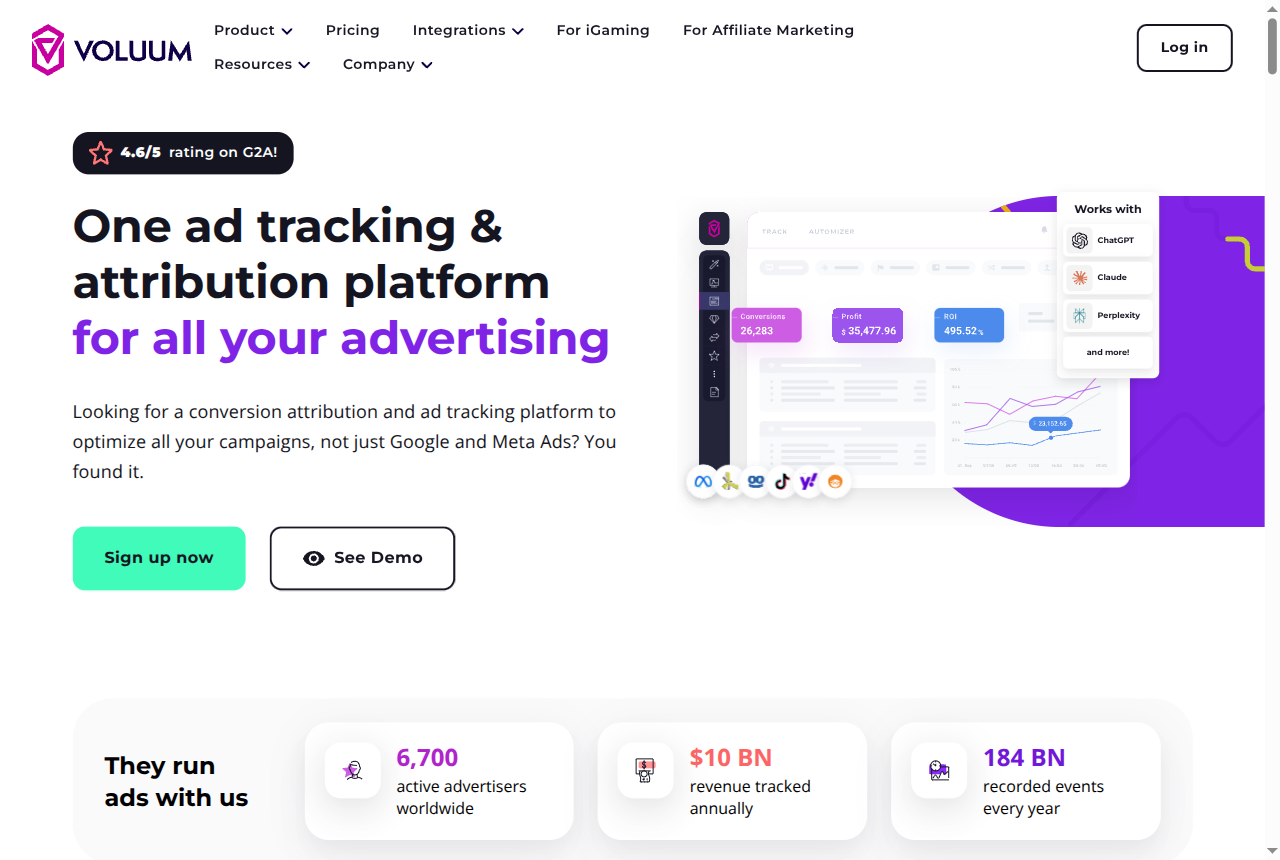
The Anti-Fraud Kit page tells you to spot suspicious placements and stop them with Traffic Filtering rules. That is a path rule. The event article is the billing rule, and a visit that is still recorded uses up the quota the same way a conversion does. The plan prices, the campaign caps and the overage rate per thousand are on the Voluum pricing page and in the Voluum review. If the cap is why you are leaving, the Voluum alternatives page is the longer list, and RedTrack vs Voluum is the head-to-head on the two meters.
Voluum
- 23 Nov 2026
- Anti-Fraud Kit is listed from Profit through Executive.
Pop and push buyers, because ad views share the quota with visits and conversions.
Tracker pricing and bot filtering
RedTrack, ClickFlare and PeerClick charge by the event. Whether a filtered bot still counts depends on the tracker.
RedTrack's event FAQ defines an event as a conversion, a click or an lp click, and the subscription sets how many of those you get. The bot blacklist article says blocked traffic stays off that event limit. The exclusion applies to redirect tracking. A cloud tracker lowers the install bill only when that blacklist actually blocks the hit.
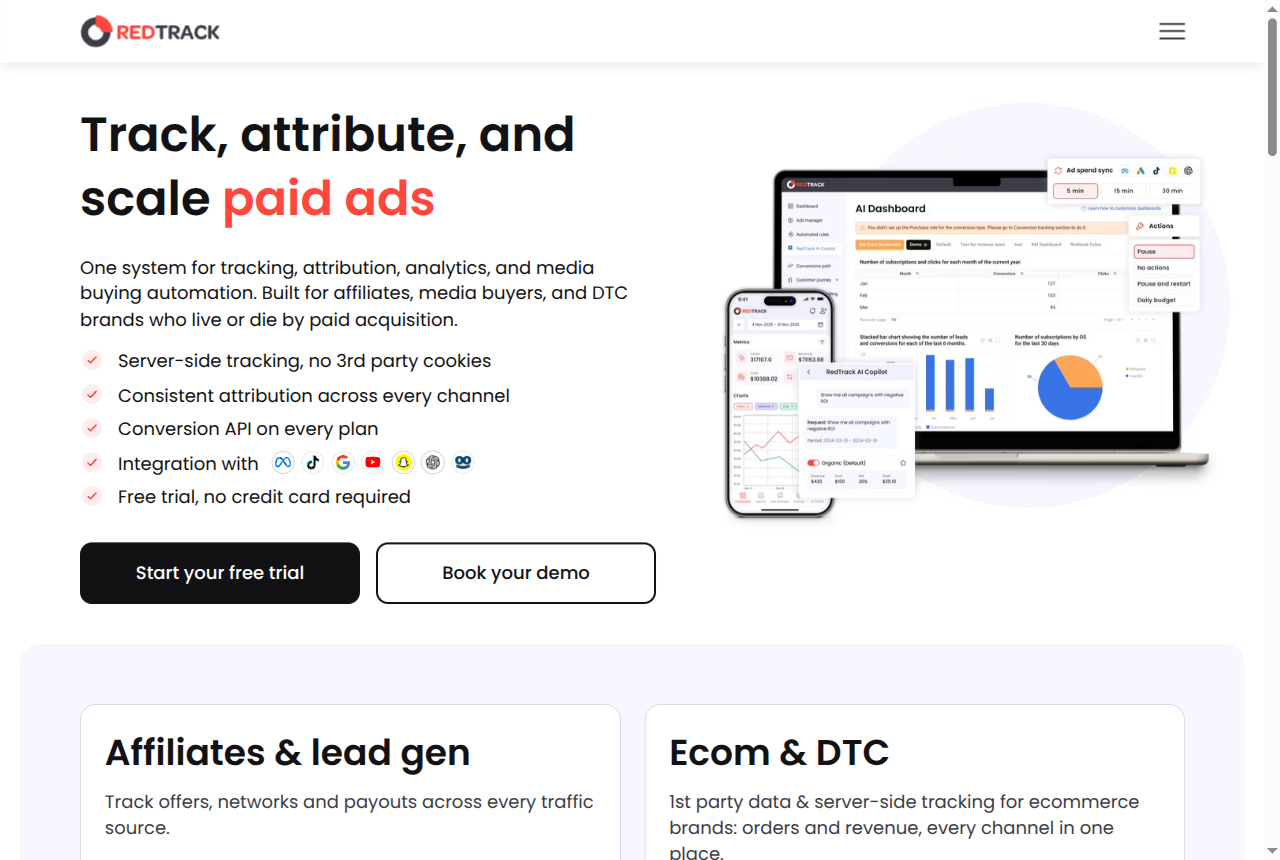
Solo's monthly event allowance is its own volume cap, and it is shown on the RedTrack card below. Campaign setup and the ad-platform connectors are in the RedTrack review. On redirect tracking, the bot blacklist is the case where blocked traffic stays off the event limit. Other redirect rules are a separate case.
RedTrack
- 23 Nov 2026
- The Solo affiliate plan lists 5 million events a month.
Redirect tracking where blacklist-blocked traffic is left out of the event limit.
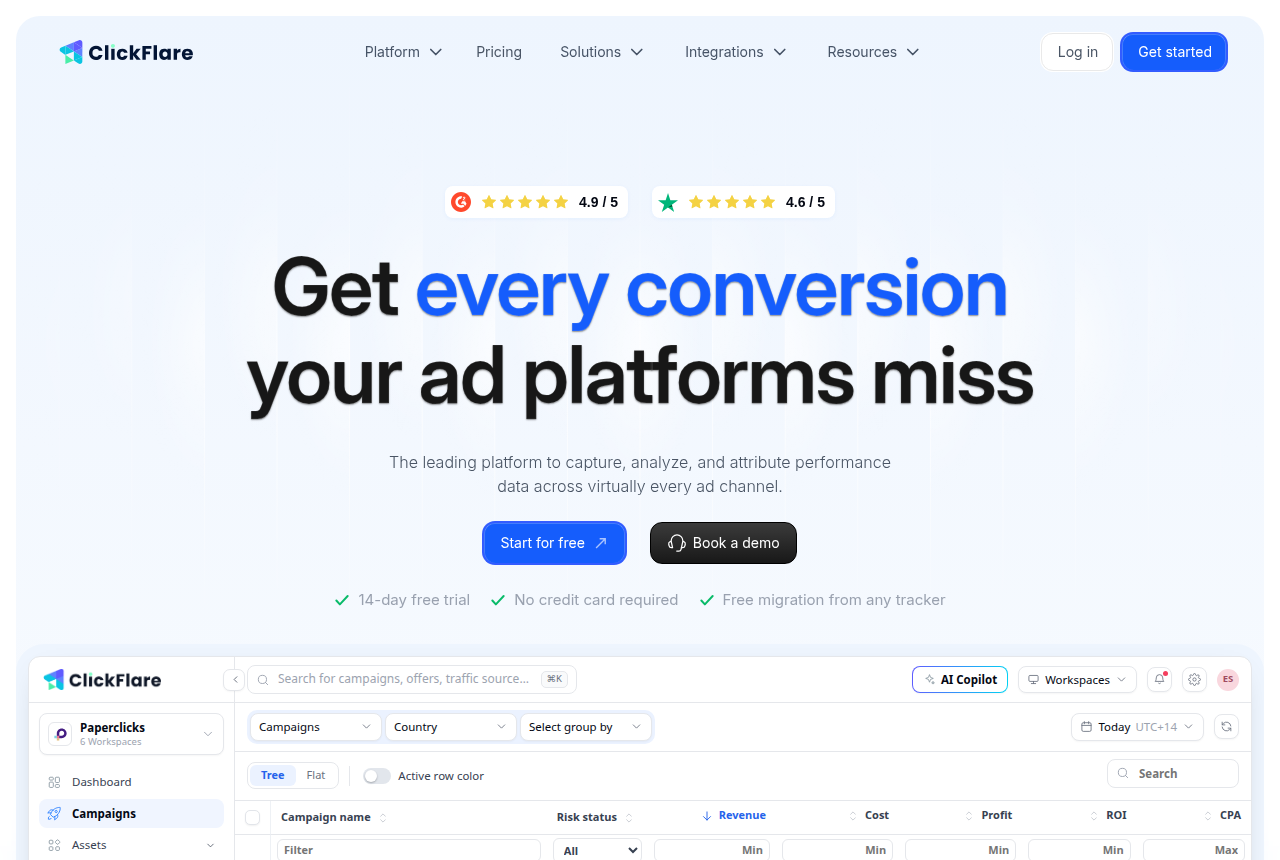
ClickFlare's pricing page defines an event as any visit, click, conversion or postback that passes through its infrastructure. One pass through the system counts as one event. That definition is the whole billing rule on the page. ClickFlare prints Starter's monthly allowance on its pricing card. Workspace detail around that meter is in the ClickFlare review.
ClickFlare
- 23 Nov 2026
- Starter includes 1,000,000 monthly events.
Buyers whose postbacks should sit in the same pool as visits.
With PeerClick, the kit depends on the tier. PeerClick's pricing page counts each visit, click and conversion as one event. Overage charges are added when the billing cycle closes. Basic+ ships without the Anti-Fraud Kit. Advanced is the first self-serve tier that includes it. What else that tier includes is written up in the PeerClick review.
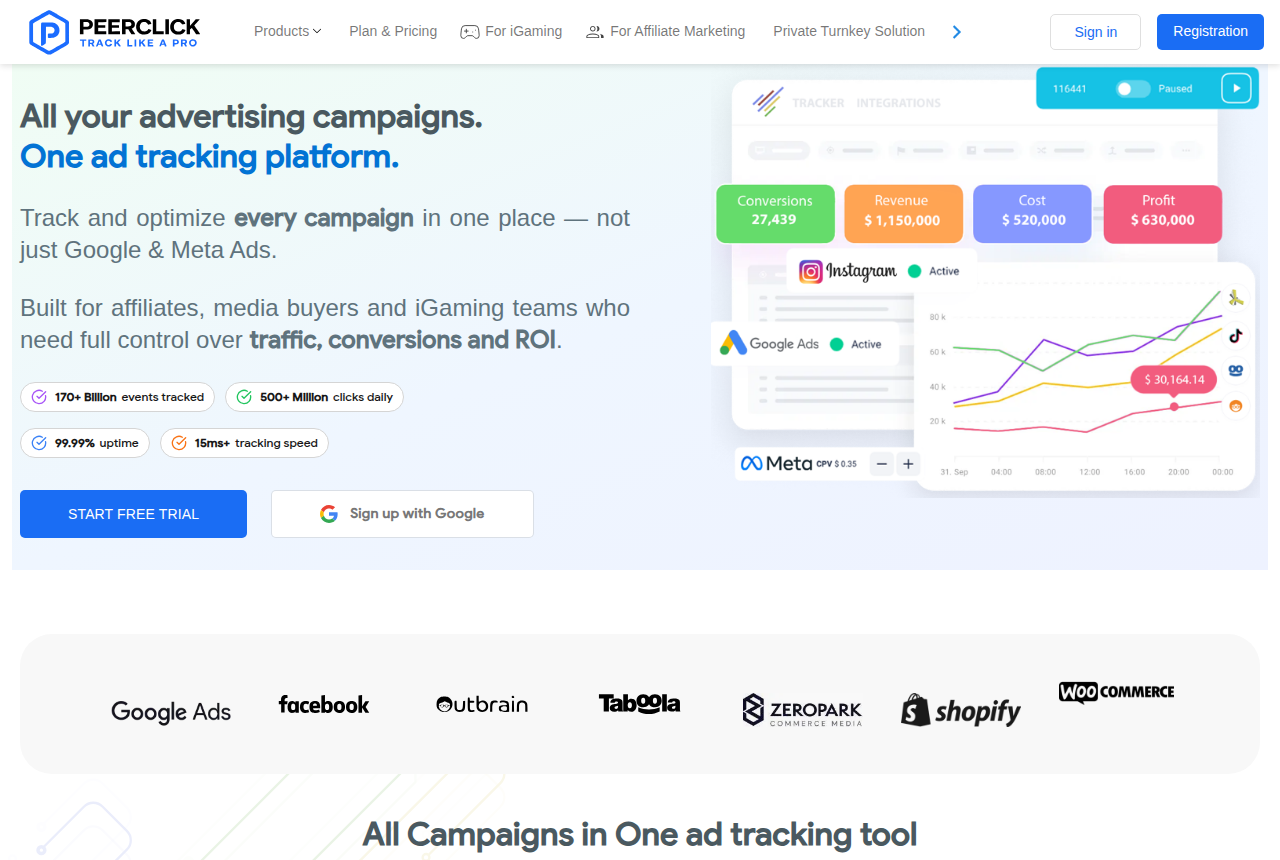
PeerClick
- 23 Nov 2026
- Advanced is $399 a month.
Teams who want the kit are buying the Advanced tier.
ClickMagick Click Shield and the tracked-visitor cap
ClickMagick caps each plan by tracked visitors, not by ad spend. Starter, Standard and Pro each carry a cap. Those three numbers are on the ClickMagick card. Starter includes basic bot filtering. Standard and Pro add click fraud protection on the tracker, under the name Bot and Click Fraud Protection, and Click Shield setup comes with that upgrade.
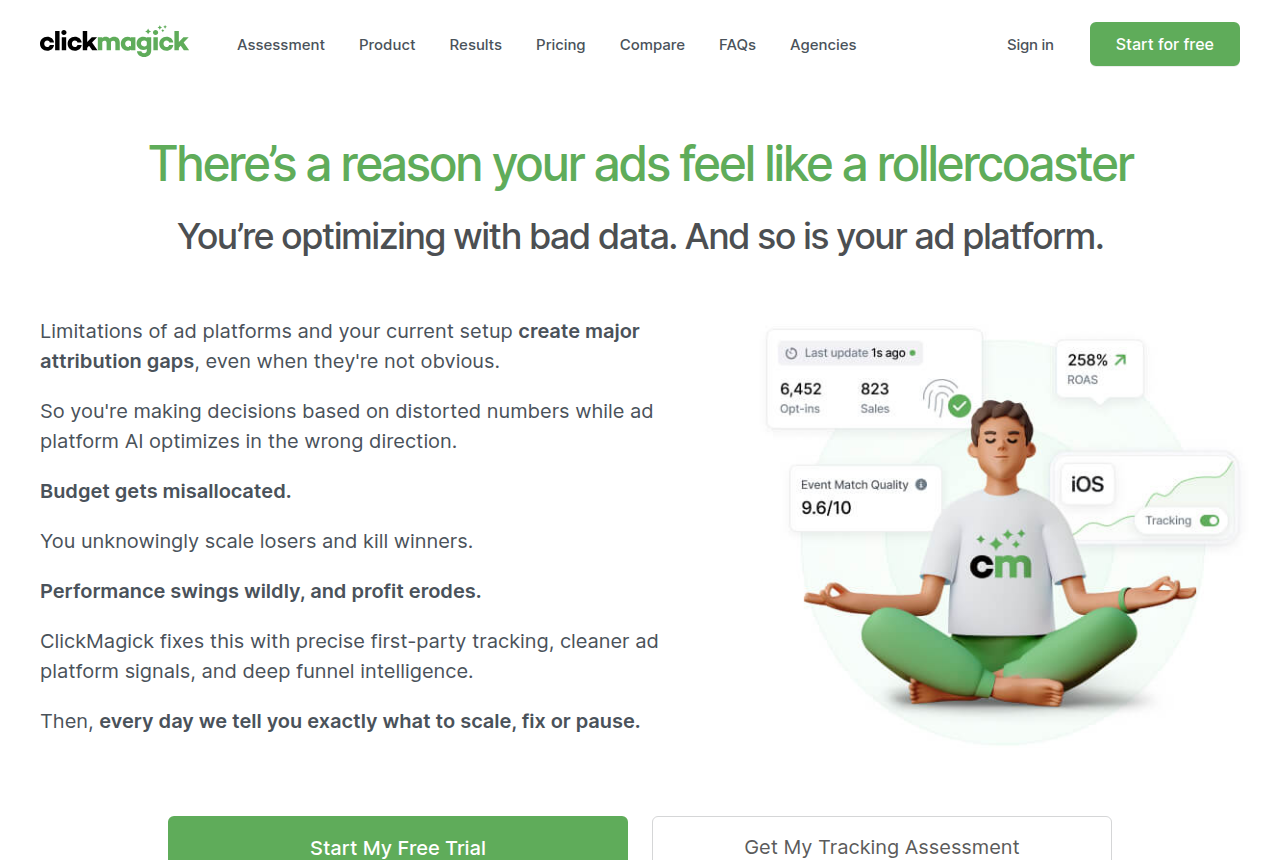
Click Shield and the bot filter do different jobs. ClickMagick's FAQ says Click Shield lets you define which paid clicks are acceptable, then block the rest with a blacklist the ad platforms receive. TrueTracking is the stats layer on the same FAQ. ClickMagick says that layer filters out 99% of bot and other fake clicks so the numbers stay clean. That 99% is the vendor's figure for the stats. The pricing page and the FAQ leave the visitor cap and the filter as two separate write-ups. Binom vs ClickMagick compares a visitor cap with a flat fee. The product write-up is the ClickMagick review.
ClickMagick
- 23 Nov 2026
- Starter 10,000 tracked visitors. Standard 100,000. Pro 1,000,000.
Buyers whose cap is a count of tracked visitors, with Click Shield setup on the higher plans.
Binom Protect is an add-on to the flat tracker fee
The Binom tracker price is a flat monthly fee. Protect is a paid module on top of it. The Protect page explains the two modes. The monthly price is listed on that page too.
Research mode analyzes the traffic and adds metrics to the reports, and the visitor stays on the page. Filtering mode blocks that visitor. You are choosing a report or a block, and the fee under both modes stays the flat tracker price. Self-hosting and the server that price pays for are in the Binom review.
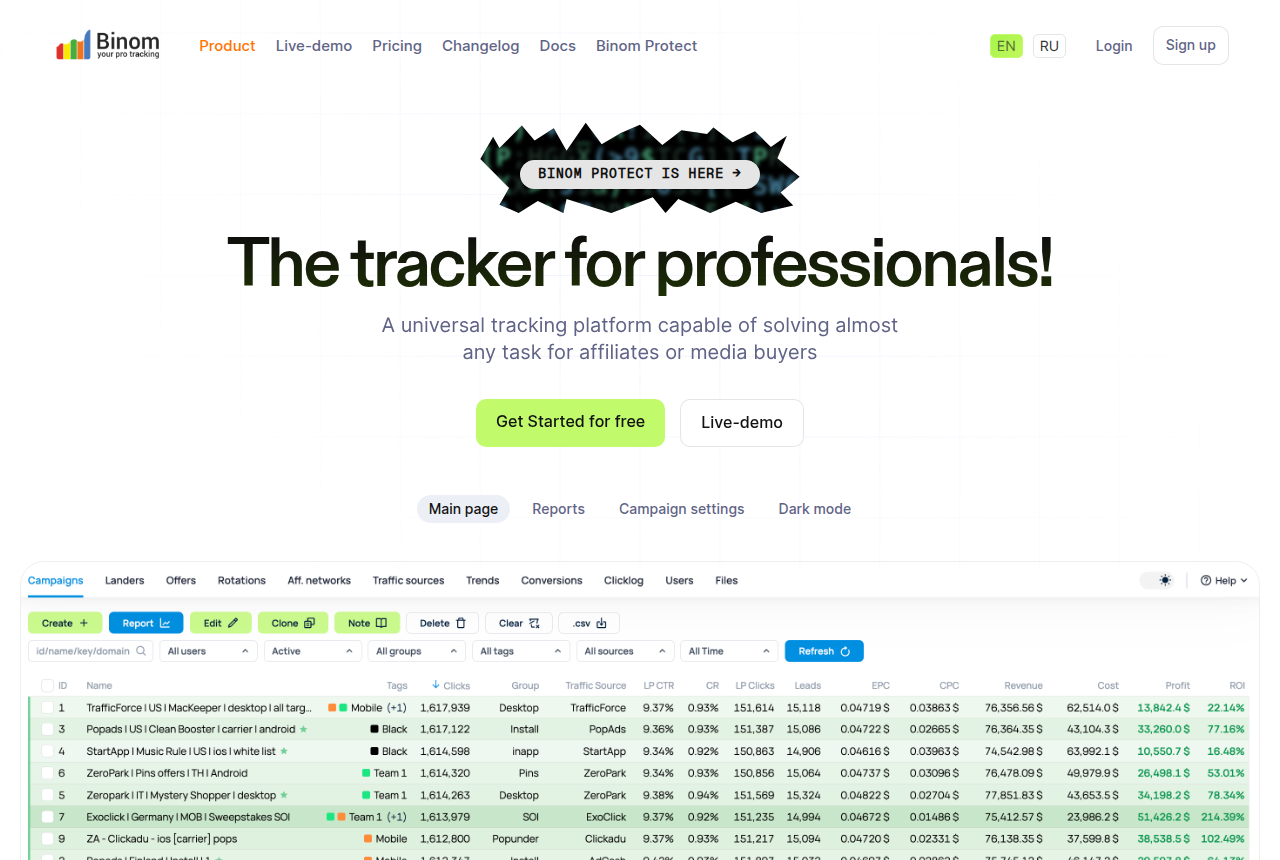
Binom Protect
- 23 Nov 2026
- $69 a month on the Protect page.
Self-hosted trackers that add bot controls as a paid add-on.
What to settle before you switch off Adjust
Pick the section whose unit matches the traffic you buy. Turn the fraud feature on for a tier that section already includes, then open the report. A row that still increments the counter is a row on the bill, whatever label the dashboard prints beside it.
A mark in the report can still be a hit you pay for. Taking it off the invoice is a separate step. Once you know the billing unit, enter the clicks you actually buy into the calculator. If the checkout and the VSL move in the same rebuild, the stack picker is the page for that.
Run your clicks through the cost calculator
The calculator turns the unit you just picked into a monthly figure at your volume. Use the click count you buy, not the install count that inflated the MMP invoice.
Sources
Event rules and plan gates: Voluum's event article, Voluum pricing, the Anti-Fraud Kit page, RedTrack's event FAQ, RedTrack's bot blacklist article, RedTrack pricing, ClickFlare pricing, ClickMagick pricing, ClickMagick's FAQ, PeerClick's price page and Binom Protect.
Install billing, outside the tracker vendors: Airbridge on fraud and the invoice, the MMP fraud-protection comparison and Everflow's Bold Screen case study.
Related reading

Written by
Marcus Flynn
Tracking and attribution editor
Marcus Flynn runs OfferROAS's tracking and attribution desk. He covers direct-response paid media for this site, from the tracker to the merchant account. He reads operator threads, vendor changelogs and pricing pages, then writes what those sources support. He sets the methodology and puts his name on the commercial pages.
Last checked 2026-11-23
Comments
No comments yet. Questions and your own experience are welcome.
Thank you. Your comment will appear once it has been reviewed.