Head-to-head
Which player posts the sale, TrackPlay or Vidalytics?
You have one long sales video and two players left. The bill and the path back to the ad account are different.
By Marcus Flynn, tracking and attribution editor. Updated 22 October 2026.
Vidalytics vs TrackPlay comes down to where the sale is recorded. One side is a mature player with heatmaps and branching video. The other posts a cart-verified sale back onto the viewing session.
Quick answer
Pick TrackPlay if you buy traffic and need your cart to post a verified sale back to Meta, TikTok and GA4 from the play that earned it; pick Vidalytics if you want a mature VSL player with heatmaps, Experiments and Interactive Smart Vids and you are fine attributing sales through a thank-you-page script or Shopify.
- TrackPlay. Cart-verified sales posted to Meta, TikTok and GA4.
- Vidalytics. Heatmaps, Experiments and branching video on a long sales letter.
See TrackPlay plan tiers and play caps
Side by side
| Tool | Built for | Meter | Muted autoplay | Sale signal | Ad signal | Test winner | From |
|---|---|---|---|---|---|---|---|
| TrackPlay | Paid-traffic VSLs | Plays | Unmuted sessions | Cart postback | Meta, TikTok, GA4 | Winner goes live from sales | Free tier |
| Vidalytics | VSLs and funnels | Plays | Counts on load | Receipt script or Shopify | Facebook pixel audiences | You roll out the winner | Free tier |
TrackPlay: pros and cons
What works
- Conversions post back server-side to Meta CAPI, TikTok Events API and GA4, fired on the watch-time milestone you choose and deduped across browser and server, so the ad platforms optimize on watch behaviour and the real sale, not a page-load pixel.
- Cart postbacks tie each sale to the play that earned it from seven direct-response carts including ClickBank, ClickFunnels, BuyGoods and Digistore24, server to server with no browser involved.
- Split tests are decided on the cart-verified sale with real statistics, and variants run under one embed so ad links and campaign learning never reset.
- Retention is drawn per second and split into buyers versus non-buyers, with hook rate, hold rate and revenue per play, so you can see the exact seconds to cut or protect.
What to watch
- It is narrow by design: built for paid-traffic VSL conversion, not general video hosting or a B2B content library. It has none of the channels, SEO pages or webinar tooling of a Wistia, so if your video's job is content marketing rather than a direct-response sale, a general host fits better. For a VSL that has to convert cold traffic, that narrow focus is why its retention and attribution go as deep as they do.
- It is very new with thin independent validation. The testimonials are on its own site, there is little third-party review footprint yet, and signup is invite-only right now. Verify it on your own traffic during the free plan before you move real budget onto it.
- Billing is on plays rather than seats or features, which is cheap to start but climbs with volume. A high-traffic VSL doing well past 50,000 plays a month should price the overage or the Scale tier before switching.
Vidalytics: pros and cons
What works
- Smart Autoplay starts the video muted when a browser blocks sound, then restarts from the first frame once the viewer unmutes, so the opening is heard.
- On Pro, the player tracks revenue and ROI for the video. The pricing matrix includes it on Pro and on every tier above Pro.
- The Experiments feature runs a built-in A/B test on one placement. You point it at one goal: CTA clicks, conversions, watch time or revenue. A Winner Recommender names the winner.
- The Pro tier also adds heatmaps, buyer versus non-buyer numbers, and Vid Conditions.
- A free plan is on the pricing page, so you can embed the player before you pick a paid tier.
- Going over the monthly play allowance leaves the video online. Vidalytics says a team member will contact you about an upgrade.
What to watch
- The revenue report, heatmaps, segmentation and Experiments start on Pro. The free plan and the Starter plan host the video, and those analytics tools come later.
- SpotSaaS says the opening session is overwhelming. A Software Advice reviewer says Vidalytics moved their videos over from Wistia and that setup was easy.
- Cold traffic uses up the monthly plays faster than a warm list, and extra plays on the free tier cost more than extra plays on a paid annual plan.
- The conversion rates people repeat come from Vidalytics' own Golden Tree write-up. Those figures are the ones Vidalytics published.
- Milestones inside the player do not name the ad campaign that produced the sale. That still requires a tracker.
- A muted start on page load is billed as a view, so cold traffic that never turns the sound on still draws down the allowance.
- Recording the sale uses a script on the receipt page, matched by cookie and IP, or the Shopify connection.
The real differences
Where the sale gets attached to the viewing session
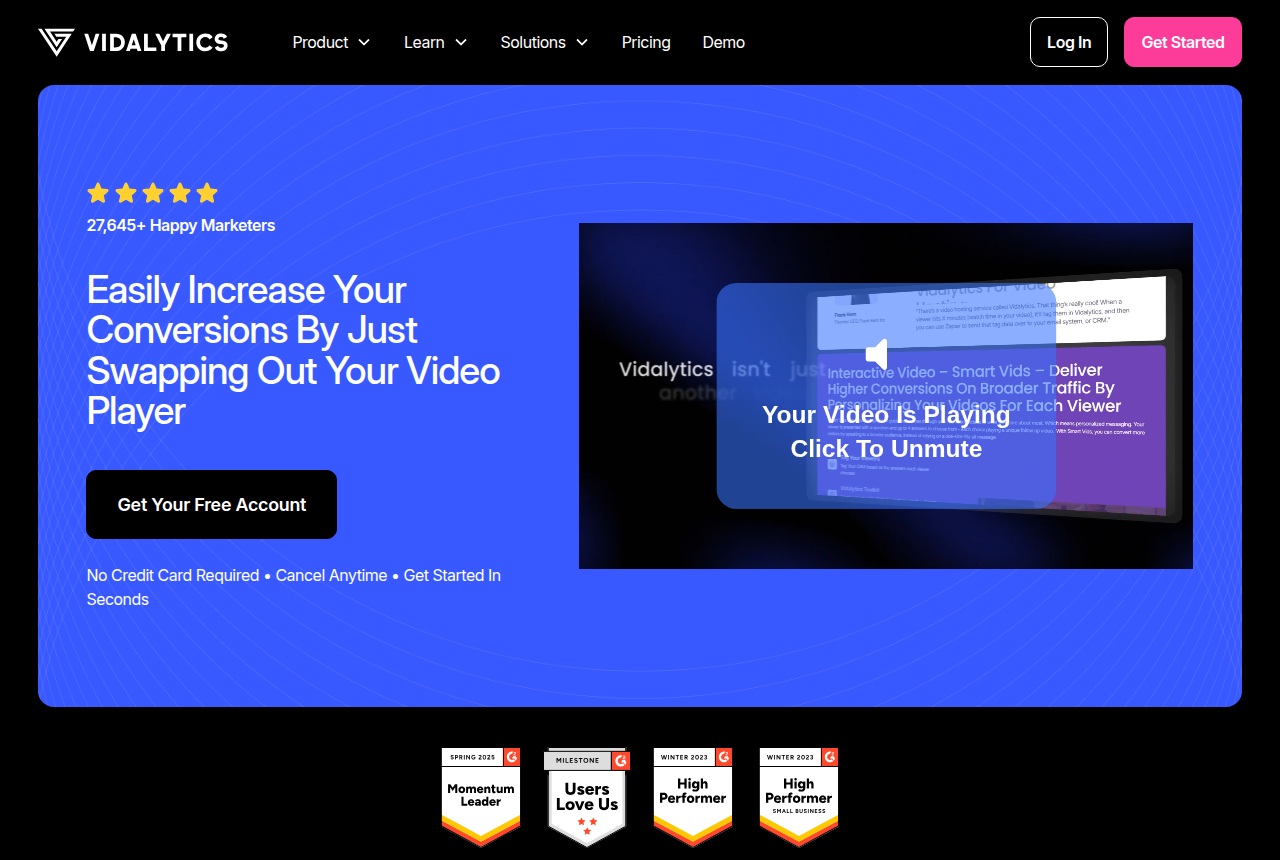
The ads are already pointed at one long letter. Both players will host that file. They part company on the bill, and on how a purchase gets back to the ad account.
TrackPlay says the player shows the second, the viewer and the edit behind a sale. It then fires pixels, and it picks split-test winners from sales. Vidalytics markets itself to video sales letters, course creators, funnel builders, direct-response marketers and ecommerce brands.
One promise is a path from the cart back onto the session that watched. The other is a player with heatmaps, tests and branching video wrapped around the letter.
A cart posts the sale, or a script on the receipt page does
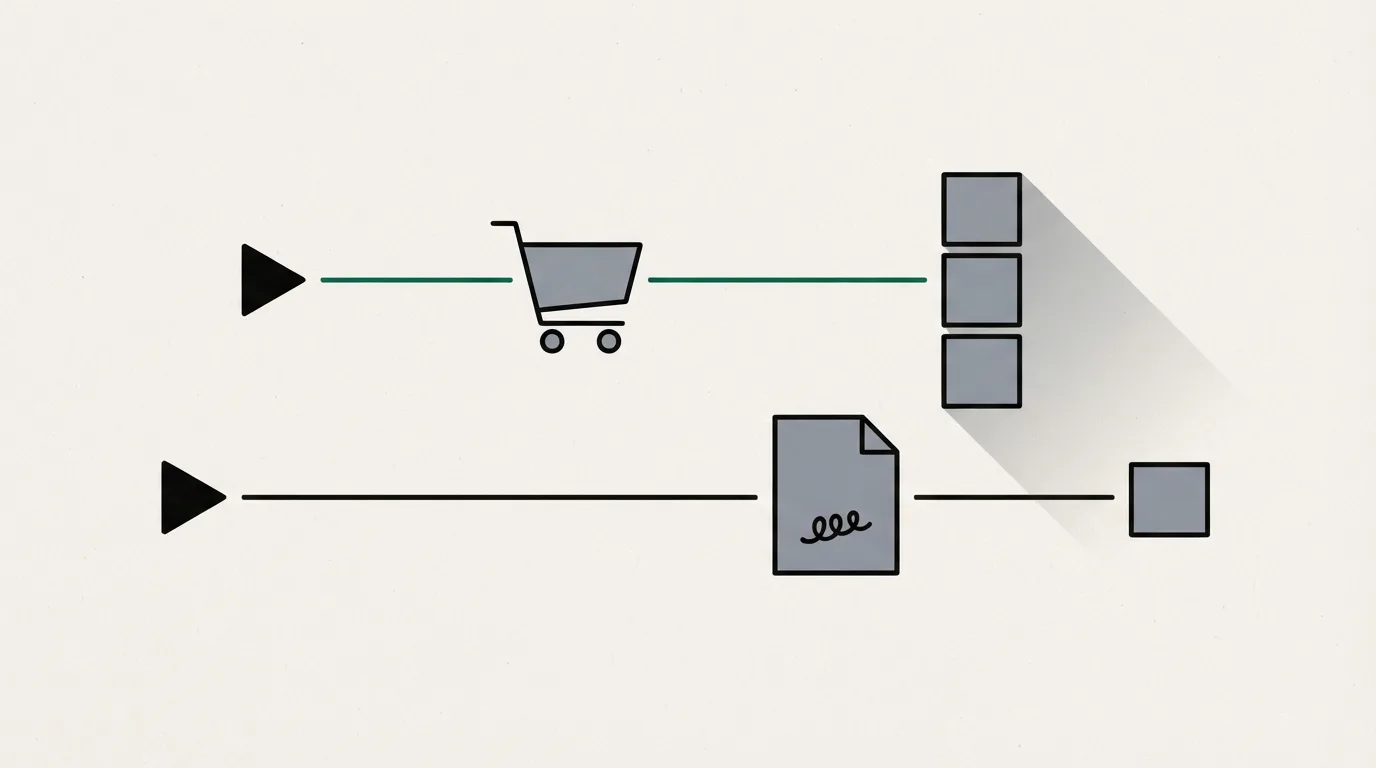
TrackPlay's comparison with Vidalytics says the cart posts the sale back server to server, onto the session the checkout link carried. That page names Meta CAPI, TikTok Events API and GA4. The cart postbacks it names are ClickBank, ElasticFunnels, Kiwify, BuyGoods, Digistore24, WarriorPlus and JVZoo.
ElasticFunnels is one checkout on that list. Outside reviews of it are still thin, which fits a platform built since 2023. The other carts named there are a separate choice.
On Vidalytics Pro, a conversion script on the thank-you page matches the sale to the video by cookie and IP. Shopify is the cart named beside that script.
How a test picks the winning cut
Set conversion rate as the goal on TrackPlay and the test runs on sales the cart confirmed server-side. The winner ships on its own once a z-test clears significance. The same setup records a p-value, a confidence interval, a minimum sample and a minimum run time.
That comparison describes Vidalytics Experiments as a Bayesian Winner Recommender with guardrails you can set. The recommender signals when a winner is ready. You name the winner, and you can send that cut to all traffic. Experiments can aim at conversion rate, and they start on Pro, beside conversion tracking.
Branching video, sold as Interactive Smart Vids, requires Premium or above. A letter that forks inside the player belongs on Premium. A single linear video can stay on a lower plan.
A silent start and the monthly allowance
TrackPlay's pricing page counts a play when someone unmutes or keeps watching. A muted autoplay that nobody unmutes stays off the bill, and so does bot traffic. Vidalytics' article on plays counts every muted autoplay when the page loads.
If the viewer never unmutes, TrackPlay leaves that session off the bill. Vidalytics adds the play when the page loads the video muted. The plan table below has the play allowance on each tier.
Which tools are on every plan, and which wait for a higher tier
Every TrackPlay plan, including the free plan, includes split testing, pixels, postbacks, webhooks, sub-ID tracking and the API. The plans differ in how many plays they include. Playback pauses when the cap is hit. Overage runs only if you turn it on.
On Vidalytics, conversion tracking, heatmaps, segmentation and Experiments begin on Pro. Interactive Smart Vids, AI closed captions, multiple users and the Vidalytics API begin on Premium. The free plan and the Starter plan host the video, and those analytics tools come later.
What the public integrations page lists
Vidalytics' integrations page lists Facebook pixel audiences, Google Analytics, Zapier, Make and CRM tools. TikTok does not appear on that list. The server events TrackPlay documents for TikTok sit on its comparison page, next to Meta and GA4.
What a public review actually covers
On G2's Vidalytics vs Wistia page, a reviewer writes: "Vidalytics gives you deeper analytics around engagement and where viewers convert." That line is about the engagement report and the moment a viewer converts.
Few independent write-ups of TrackPlay exist, so you have little outside confirmation before you send traffic. The features you can use are the ones the pricing page lists. The player is built for paid-traffic conversion. A general host is the one with channels, SEO pages and webinar tools, and that is the host for a library of help videos. On a sales letter aimed at cold traffic, the player still draws buyers against everyone else who watched, and the cart path above still applies.
What each one costs
Both hosts set the monthly bill from a play allowance. The table lines up each plan: how many plays you get, and which tools turn on. Where Vidalytics prints an annual rate, that figure is in the last column.
| Plan | Monthly | Plays | On this plan |
|---|---|---|---|
| TrackPlay Free | Free | 3,000 | Full player, pauses at the cap |
| TrackPlay Basic | $29 | 5,000 | Same tools, extra plays $0.02 |
| TrackPlay PRO | $79 | 15,000 | Extra plays $0.01 |
| TrackPlay SCALE | $199 | 50,000 | Extra plays $0.01 |
| Vidalytics Free | Free | 1,000 | 3 videos |
| Vidalytics Starter | $24 | 2,000 | Annual bill $19, hosting |
| Vidalytics Pro | $79 | 5,000 | Annual bill $63, tracking and tests |
| Vidalytics Premium | $149 | 15,000 | Annual bill $119, Smart Vids and API |
Extra videos on Vidalytics are $0.25 each. Extra plays on its paid annual tiers are $0.02. Vidalytics gives paid plans a 14-day trial. TrackPlay labels its free plan free forever.
Our pick
TrackPlay
TrackPlay fits when the media buyer needs the cart to confirm the sale and send it to the ad platforms. Vidalytics fits when the letter needs heatmaps, a test you roll out yourself, or branching video, and a thank-you page or Shopify is an acceptable place to record the sale.
Frequently asked questions
Does a muted autoplay count as a play?
Which player publishes a TikTok server connection?
Can the split test run on sales?
Is the free plan enough to test one sales letter?
Sources
From TrackPlay and Vidalytics
- https://trackplay.io/
- https://trackplay.io/pricing
- https://trackplay.io/compare/vidalytics
- https://www.vidalytics.com/
- https://www.vidalytics.com/pricing
- https://www.vidalytics.com/integrations
Other sources
2 discussions and reviews read for this page. Quotes are excerpts; open a link to read the original in context.
How we compared these
We do not run paid campaigns through either tool. We read each vendor's documentation and pricing pages, verify the figures there, and weigh long-term reports from operators. The full rubric is on the methodology page.
Related reading
- Full TrackPlay review
- TrackPlay plan tiers and play caps
- Vidalytics review
- Vidalytics vs Wistia when the other option is a team video host
- VSL video players for paid traffic
- How a VSL player fits with your tracker and checkout
- How we evaluate video hosts
- All head-to-head comparisons
Comments
No comments yet. Questions and your own experience are welcome.
Thank you. Your comment will appear once it has been reviewed.