The ads are already sending people to one long sales video. YouTube, or a plain Vimeo embed, reports that someone started the video. That report does not show where viewers left, or which ad angle kept them watching.
A video sales letter player is the host for that pitch. Most of these pages use one video, with skipping ahead turned off, and a button that shows up after a set time. Choose a host based on how it bills, by plays or by bandwidth, and on whether each sale needs to be tied to the viewing session.
My take
I would start with Vidalytics if I needed second-by-second engagement and were ready to pay for Pro. I would skip TrackPlay if you need a content library. Consider it if the checkout has to tie each sale to a specific play, and keep the sparse outside reviews in mind. I would judge the other three by the job in front of you: Panda for bandwidth billing, Voomly Plus for a lower price that includes funnels, and Wistia if the marketing team already hosts its videos there.
Match the player to your tracker and checkout
VSL hosting is billed by plays or by bandwidth
Two low monthly plans can look alike until you see the meter. Vidalytics and TrackPlay count plays per month. Panda Video meters bandwidth. From Voomly Plus upward, the public rates list unlimited bandwidth.
The main drawback of paying per play is cold traffic that autoplays on mute and never turns the sound on. TrackPlay's pricing page says that if the video starts muted and the viewer never turns the sound on, that session does not count as a play.
Bandwidth billing gets expensive when a visitor buffers a long stretch of the pitch. Panda's VSL page says you pay for what the visitor actually watched.
If a Vidalytics account goes past its monthly plays, the plan page says the videos stay online and the team gets in touch about an upgrade.
Best video player for a VSL
A direct-response player has to show a button on a timer, handle autoplay, and mark the moments where people left. Vendors also publish their own conversion numbers. Those numbers are marketing. Judge the player by its billing and by the reports it actually gives you.
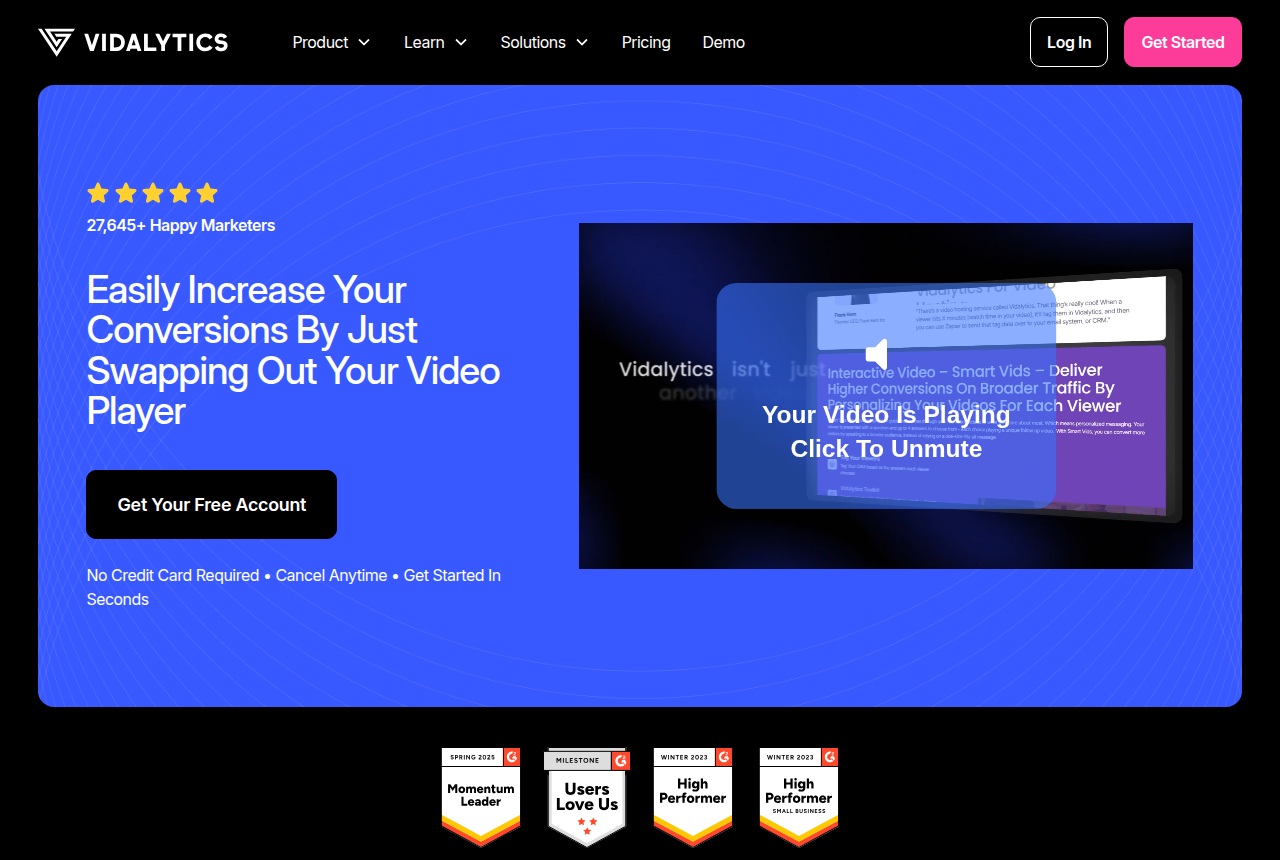
Vidalytics is the player direct-response teams already use on paid-traffic sales pages. Smart Autoplay, on the same plan page, falls back to muted playback and starts again from the beginning once the viewer unmutes.
Conversion tracking and heatmaps are available on Pro and higher. A Meta marketer's note says the same VSL can be compared by UTM parameters. That is one post. There is little independent feedback past that one post.
Vidalytics
- 17 Oct 2026
- Pro is $63 a month billed annually, with conversion tracking and heatmaps. Experiments are listed on that tier. Starter is $19 a month annually.
This is the player for a paid-traffic sales video if you need heatmaps and conversion tracking on Pro.
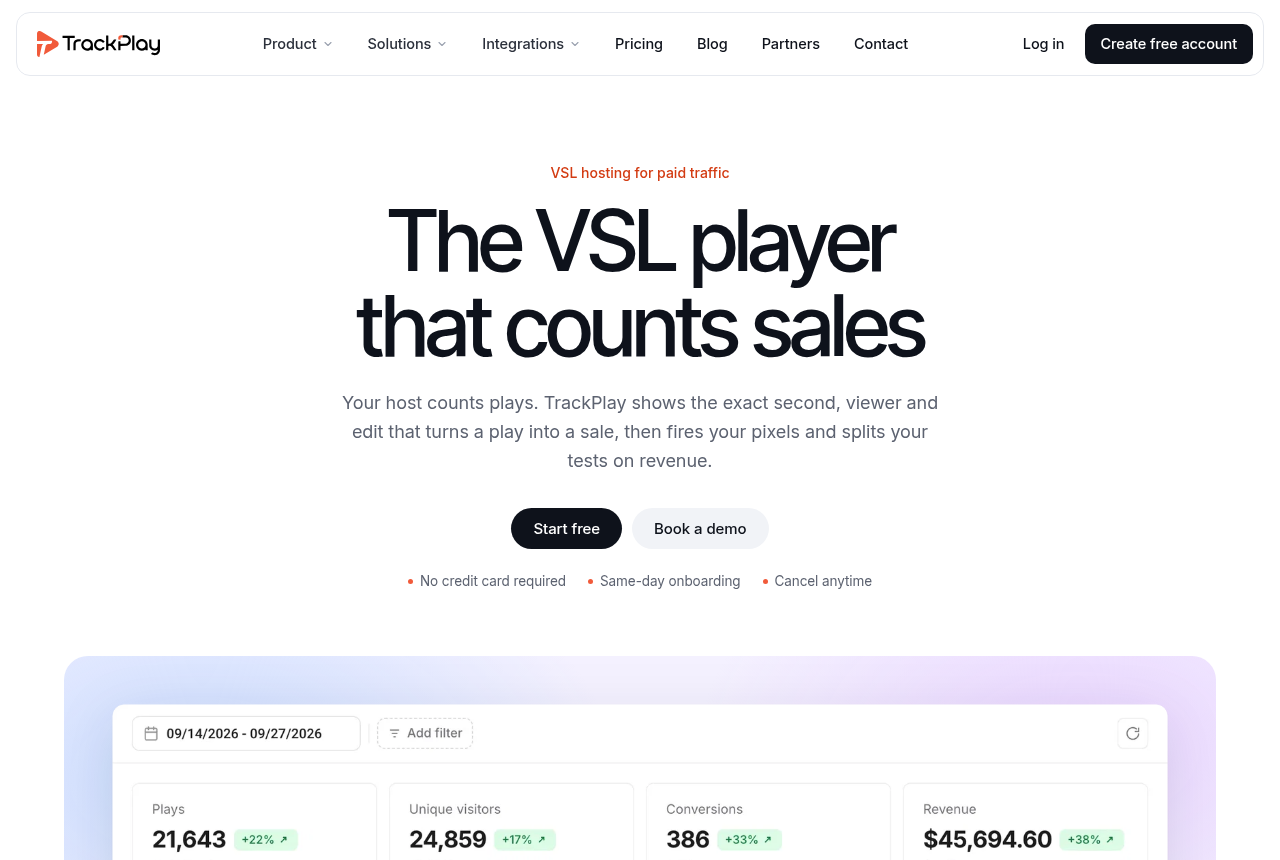
TrackPlay's plan page says every plan, including Free, includes the full player and the conversion tools. Plans differ only by how many plays are included.
The features page describes split tests that run inside one embed. The winner is chosen from real sales, using a p-value and a confidence interval. Cart postbacks are listed for ClickBank, BuyGoods, Digistore24, WarriorPlus, JVZoo, Kiwify and ElasticFunnels. The TrackPlay review and the pricing write-up cover that postback in more detail.
TrackPlay is designed for sales videos on paid-ad landing pages. Channel pages, SEO pages and webinar tools are part of a content library, and a team that needs them will miss them here. Those two pages still explain how a play is counted, which carts can send the sale back, and how a test runs inside one embed. Very little has been written about it outside the vendor's site. That plan page links out to registration.
TrackPlay
- 17 Oct 2026
- Basic is $29 a month for 5,000 plays. Extra plays are $0.02 when overage is turned on. The free plan includes 3,000 plays, requires no credit card, and pauses playback once you hit the cap.
Choose this if the checkout has to tie each sale to a specific play, which is included on the free plan.
When the bill follows watch time
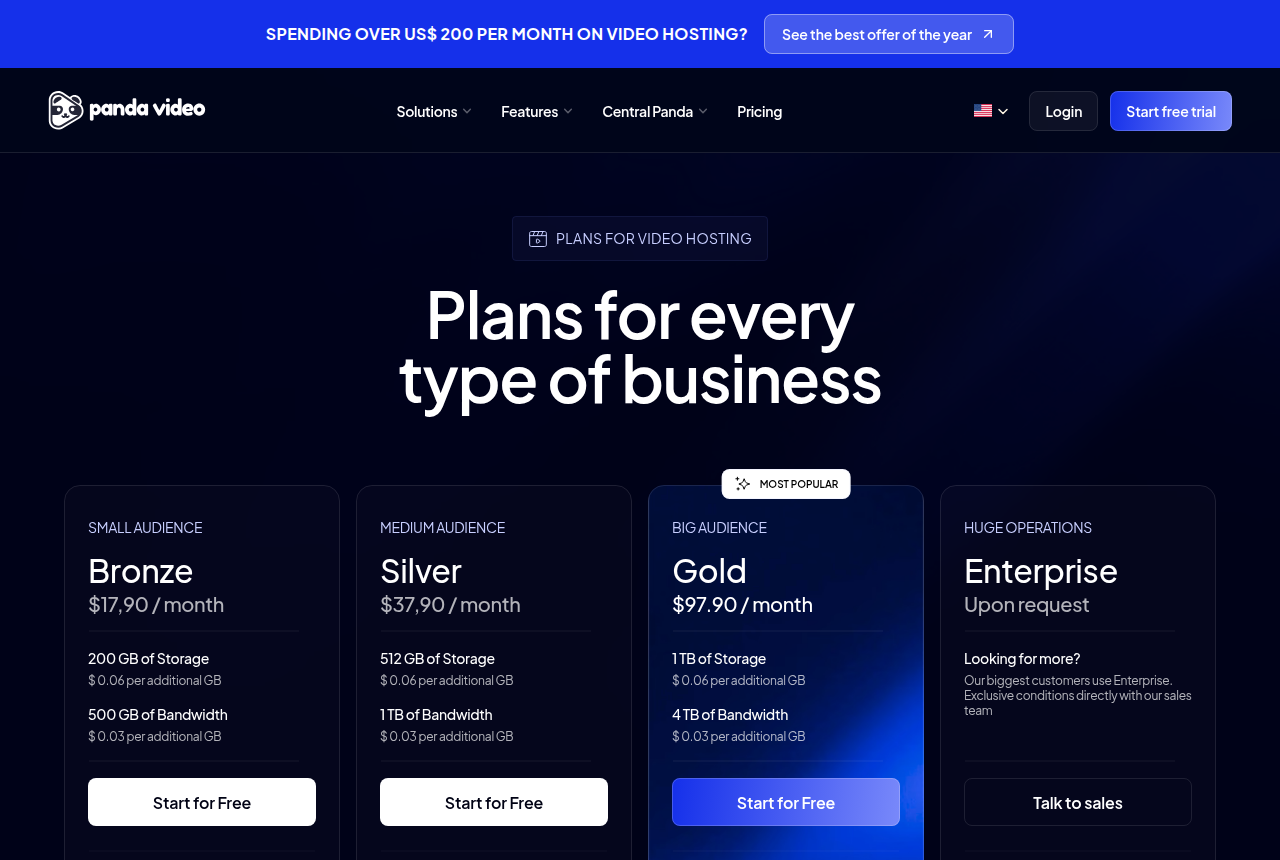
Choose Panda if you want the bill to grow with the minutes viewers actually watch. That rule is on the VSL page linked above.
The same page describes a dummy progress bar. The bar sits ahead of the real position, so the video looks closer to the end than it is. That is meant to keep people watching until the buy button shows. Sending the checkout conversion back to the ad account is what the play-billed hosts above are for.
Panda Video
- 17 Oct 2026
- Bronze is $17.90 a month, with 200 GB of storage and 500 GB of bandwidth. Extra bandwidth is $0.03 per GB.
Use this for a long sales video if you want pricing based on the Bronze bandwidth allowance.
A cheaper plan that also includes video funnels
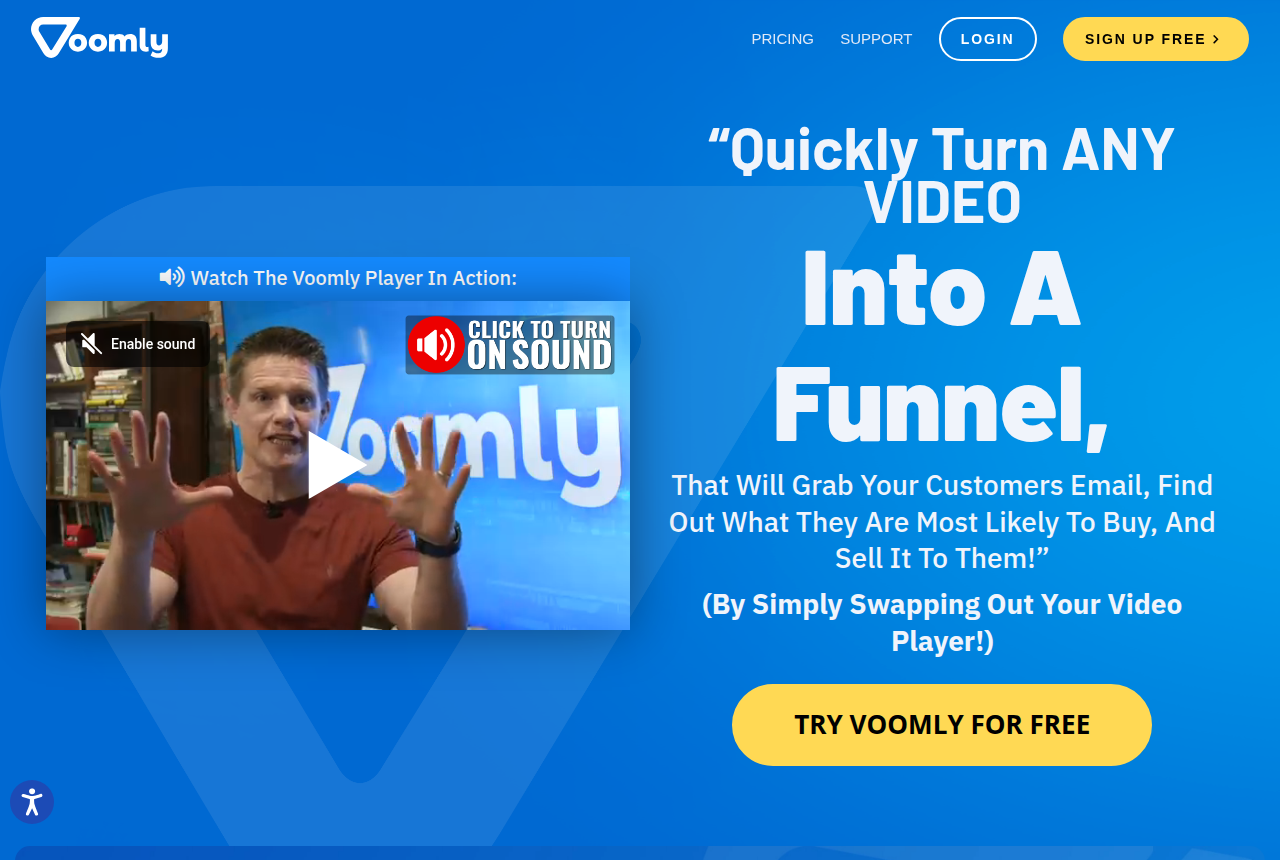
Voomly's pricing page puts unlimited videos on Plus, along with the unlimited bandwidth from the hosting section, and that plan includes video funnels. It is a good fit if you want those funnels in the same account. Sending checkout conversions back, as TrackPlay's features page describes, requires a different tool.
Voomly
- 17 Oct 2026
- Plus is $19 a month, with unlimited videos, unlimited bandwidth and 10 video funnels.
Use this if you want one account to host the video and publish a few funnels.
When the video is also the marketing library
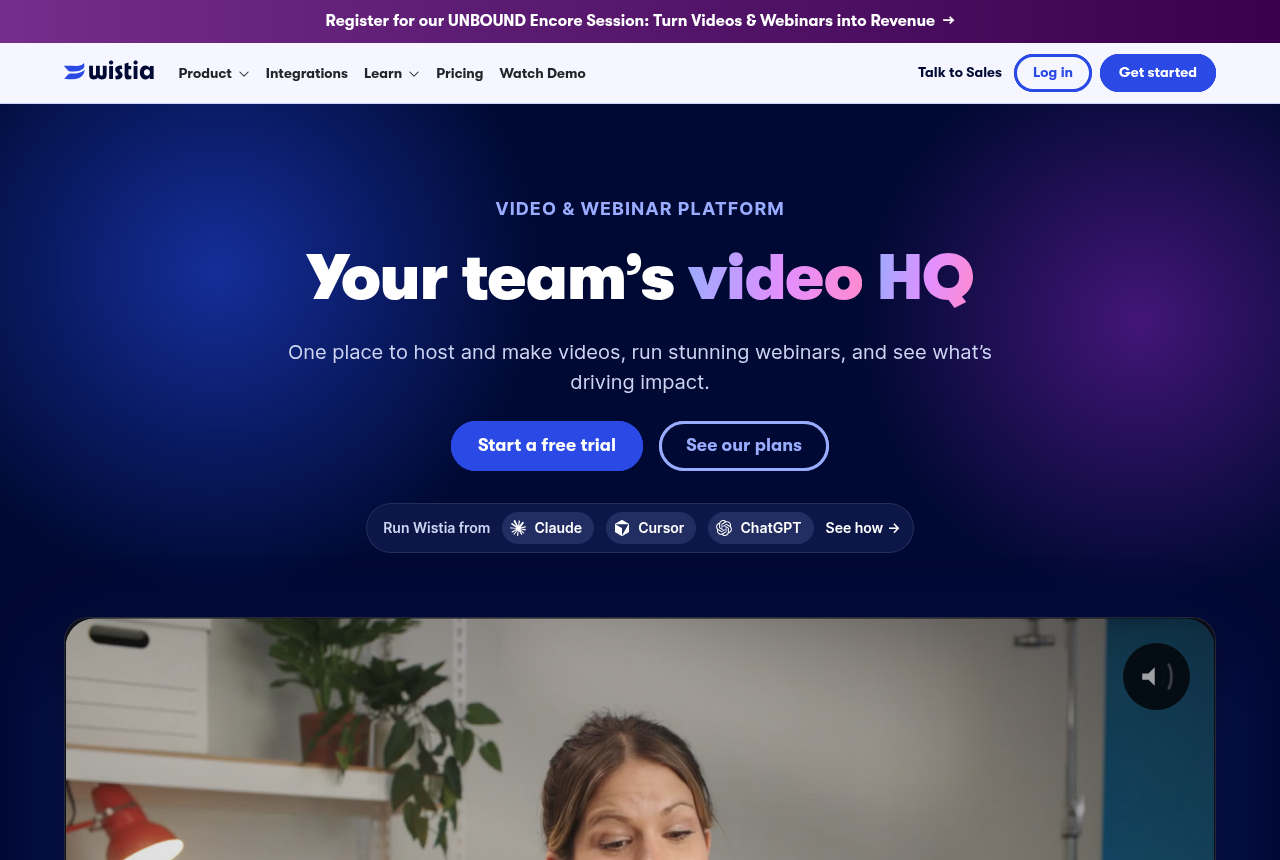
Wistia's pricing page lists CTAs, forms, heatmaps and A/B tests on the Business plan. Signals, a higher plan, adds marketing-automation sync. One sales letter can stay on the Business plan.
One course operator said Wistia got expensive as the catalog grew. If the choice is Vidalytics or Wistia, that pair already has its own comparison.
Wistia
- 17 Oct 2026
- Business is $79 a month billed annually, with CTAs, forms, heatmaps and A/B tests.
Use this if your team already hosts its videos in one library and you need the buttons and heatmaps on Business.
What to leave off a paid-traffic sales video
YouTube and a public Vimeo embed move the viewer into another site's player. The controls and the reports there are built for a public watch page, which is a poor match for a timed reveal that has to stay on your URL.
A raw video file in cloud storage has no heatmap. It will not tell you how many times the video played, or how much of it people watched, in a way you can tie back to the ad.
Questions on choosing a player
If the player can post a sale, do I still need an ad tracker?
Which meter costs less, plays or bandwidth?
Can a split test stay on the ad's existing URL?
How does the player fit with the tracker and the checkout?
Match the player with the tracker and the checkout
The picker asks about spend, the offer, the traffic and the processor, then names a player when the offer is a sales video.
Sources
Related reading

Written by
Marcus Flynn
Tracking and attribution editor
Marcus Flynn runs OfferROAS's tracking and attribution desk. He covers direct-response paid media for this site, from the tracker to the merchant account. He reads operator threads, vendor changelogs and pricing pages, then writes what those sources support. He sets the methodology and puts his name on the commercial pages.
Last checked 2026-10-21
Comments
No comments yet. Questions and your own experience are welcome.
Thank you. Your comment will appear once it has been reviewed.