Keep the Meta Pixel, and add the Conversions API alongside it. The Pixel records what the visitor does while your page is open. The API sends a server-side copy of those events, including hashed customer fields a blocked tag never collects.
Meta's deduplication guide recommends sending Conversions API events along with Pixel events, for ad performance. It calls that pairing a redundant setup. Meta asks advertisers to send both so a blocked browser still leaves a server copy. Deduplication is what stops one sale from being stored as two. Next, decide which part of your stack posts that server copy. This guide walks through the setups that can send it.
My take
I'd start with both: the Pixel on the presell, and the Conversions API for the Purchase. I'd judge the account by cart orders, and I'd leave the raw Overview total out of that check. We do not run the ads. The methodology page describes how those sources are read.
See how to send CAPI events from your stack
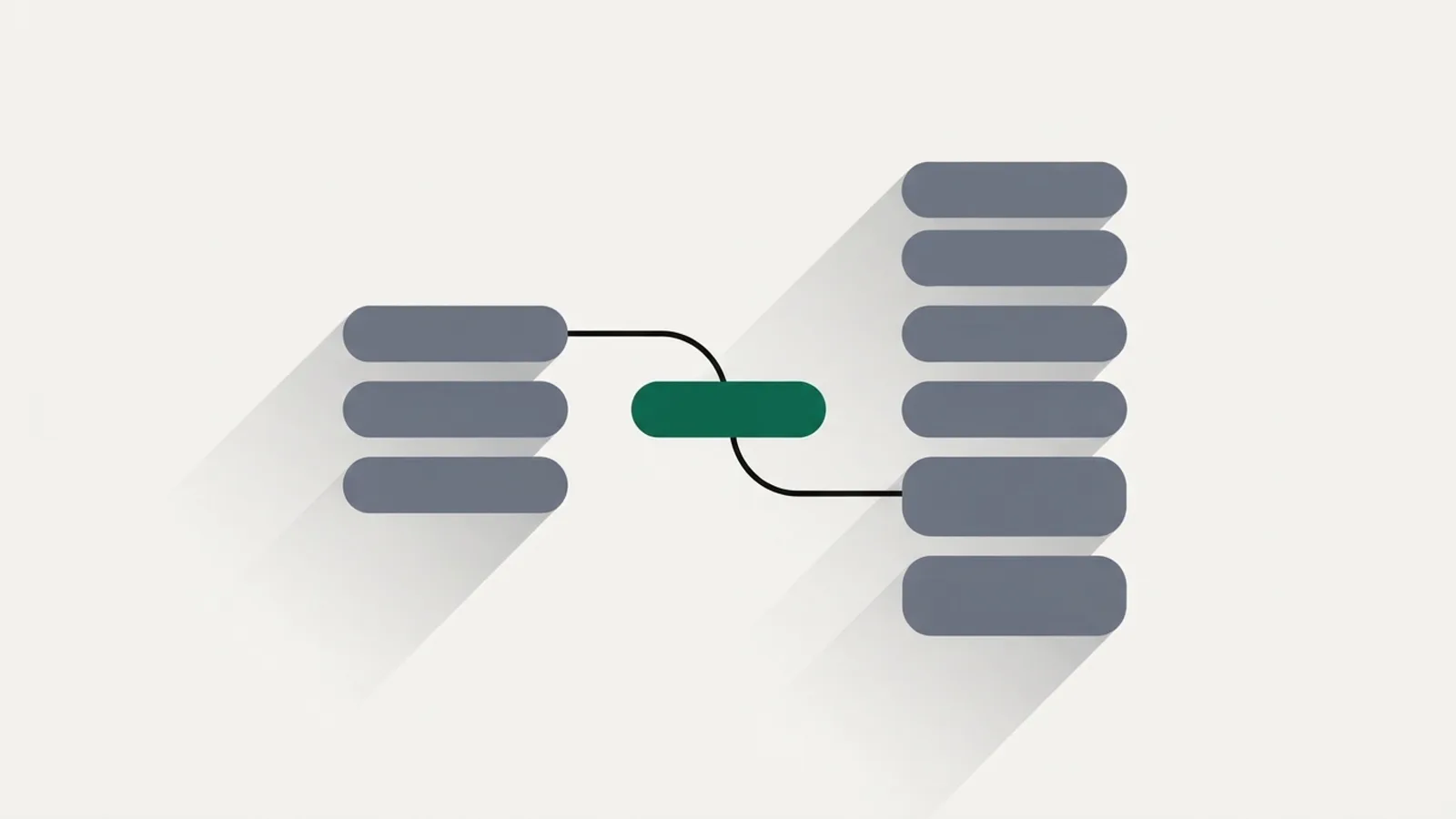
What the Meta Pixel sends from the browser
The Pixel is the client-side half of client-side vs server-side tracking. It is a tag in the page, and the hit leaves the visitor's device. Meta's end-to-end guide describes automatic browser signals on a Pixel hit, including the user agent. The same identity fields have to be set by hand when the event is built on a server.
A Purchase from the tag carries an event name. If a server will send that Purchase as well, the browser copy also needs an eventID. On a tag that runs alone, that extra value is optional. Once both copies fire, that shared id is what Meta uses to match them and drop the duplicate. Anything you want matched beyond the automatic browser signals, you pass yourself.
What the Conversions API sends from your server
The Conversions API posts the web event from your server through graph.facebook.com. The same implementation guide says you share the data from the server rather than through a browser, so the payload can include hashed CRM fields, and the post still leaves your server when a blocker has stopped the tag.
That guide also says the server can capture events the browser may never track. Purchases on a separate website are the example, along with lead conversions and phone calls. For a Purchase you mean to pair with the tag, the server payload uses one pixel id, an event_name, and an event_id that will be compared with the browser eventID. How a tracker or a cart builds that post is on the page linked above. The question here is what each channel can record.
Conversions API versus Meta Pixel
Conversions API vs Meta Pixel compares the two channels inside one funnel. The tag fires while the visitor is still on your page. The API fires from a server you control, including after the buyer has moved to a cart on another domain.
The event name must be spelled the same way on both copies. Send both copies when you are using the redundant setup Meta describes. Two different names land as two events. Two Purchases that share the keys below should count as one sale in the ad account. There is no tool ranking in that split.
Do you need CAPI if you already have the Pixel?
For serious paid volume on Meta, add it. The deduplication guide recommends the API alongside the tag so the ad system is fed by more than the browser. The tag is the copy that vanishes when it is blocked. The server post is the copy that can still report a purchase on a site the tag never loaded.
Running both feels like double counting, and it becomes double counting when the ids disagree. A Purchase from the tag and a Purchase from the server, sent with different ids, are two events in the ad account. The match in the next section is what collapses them. Until that match shows up in Events Manager, judge the account against the orders the cart took.
event_id deduplication: how Meta merges the two copies
Meta discards the later copy when four things line up, and the deduplication page states them together.
- The server event_id matches the browser eventID.
- The server event_name matches the browser event name.
- Both copies use one pixel id.
- The later copy arrives within 48 hours of the first.
When the copies do not differ in any meaningful way, Meta generally keeps the one that arrived first. A mismatched id leaves both in place, and the purchase count in Ads Manager climbs past the orders. Check the result on the Event Deduplication tab. The Overview total is counted earlier, which is why a correct pair can still look doubled on that screen.
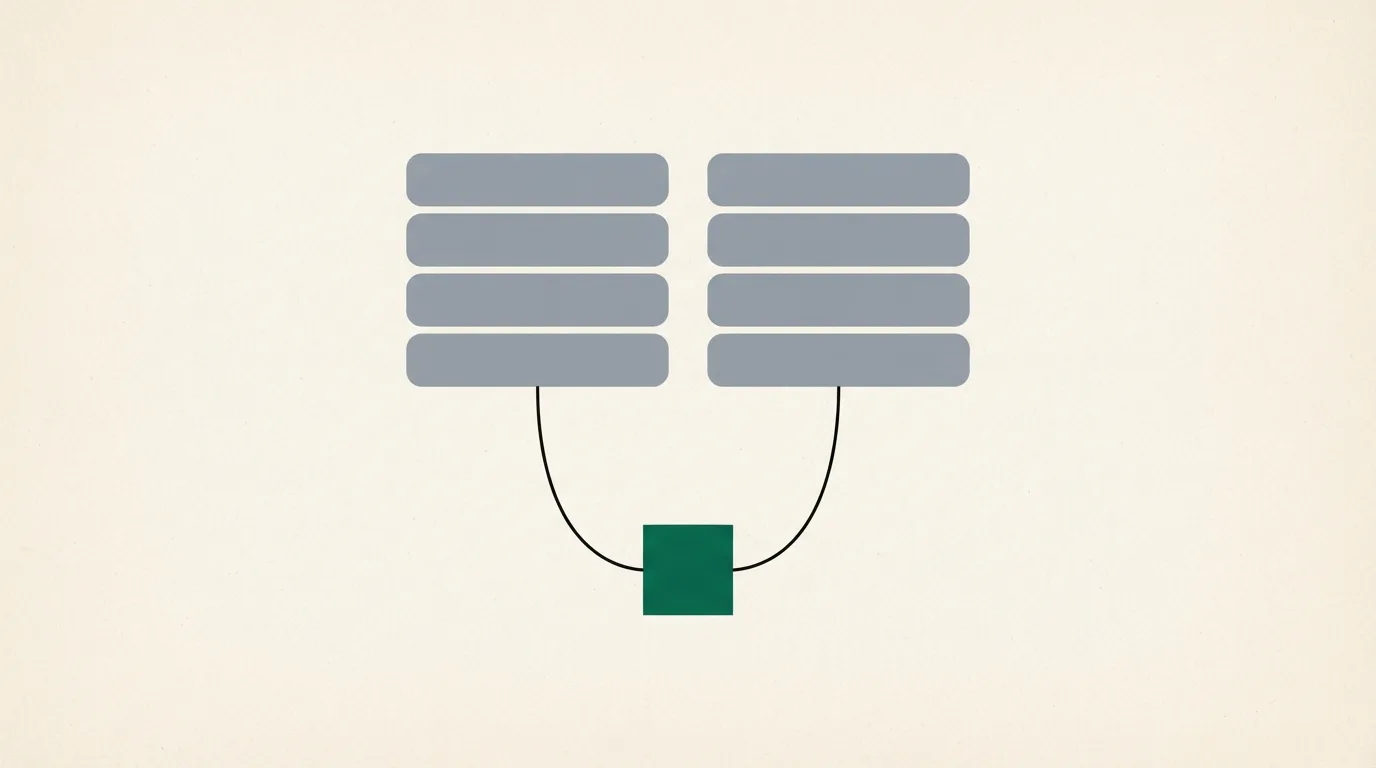
Why the Overview looks doubled
Meta's setup verification page says the Overview shows events received before they are deduplicated, discarded for consent and other policies, or processed. SyncTag's note on double counting applies that to a hybrid funnel. Send every purchase from the browser and from the server, and that Overview shows roughly twice the orders, even when the merge is correct.
Event Match Quality is a different number from the share of events Meta deduplicated. A high match score measures how well Meta matches the event to a person, not whether the two copies merged. SyncTag draws that line so the two numbers are not treated as one. The business check is a closed week of purchases in Ads Manager, compared with the shop's orders for those same days. Open the Event Deduplication tab to see which copies Meta kept. The Overview total is the count before that discard.
Event Match Quality: what changes when you add CAPI
Event Match Quality scores the customer information on server events from 1 to 10. Meta's setup verification page says to aim for 6.0 or higher where you can. The API is what lets you send hashed CRM fields the browser never held, so the score has more to match against an account.
The score and the merge move separately. A richer server payload can lift the number while Purchases still double, if the shared id was never set. Treat 6.0 as the match score Meta recommends. The purchase count to trust is the deduplicated one, checked against orders.
Why direct-response funnels run both on Meta
A paid offer gives each channel the events that channel can record. The browser tag sits on the presell, so it can record the visit and how far a video is watched. The server sits where the money is confirmed. Meta's implementation guide calls out a purchase on another website, where your tag never ran.
That is the usual direct-response checkout. The tag on your page and the post from the cart are the redundant pair, and they stay one sale only when the four keys agree. Which product sends the cart post is a stack choice, and the button near the top opens the page that sorts those choices. A player that already receives the cart's postback is one of them, and it is the case below.
TrackPlay sends the cart Purchase
TrackPlay is a VSL player for paid-traffic funnels. What matters on this page is that it can send the sale from its server. Its Meta integration page says a cart postback produces a Purchase from TrackPlay's server. The same page lists a Lead when a form is captured, ViewContent on a CTA click and on a watch milestone, and a custom HotLead. Those events go to graph.facebook.com with a Conversions API access token. Emails, phones and names are SHA-256 hashed before they leave that server. A server Purchase also sends the session's fbc and fbp cookies with those hashed contact fields.
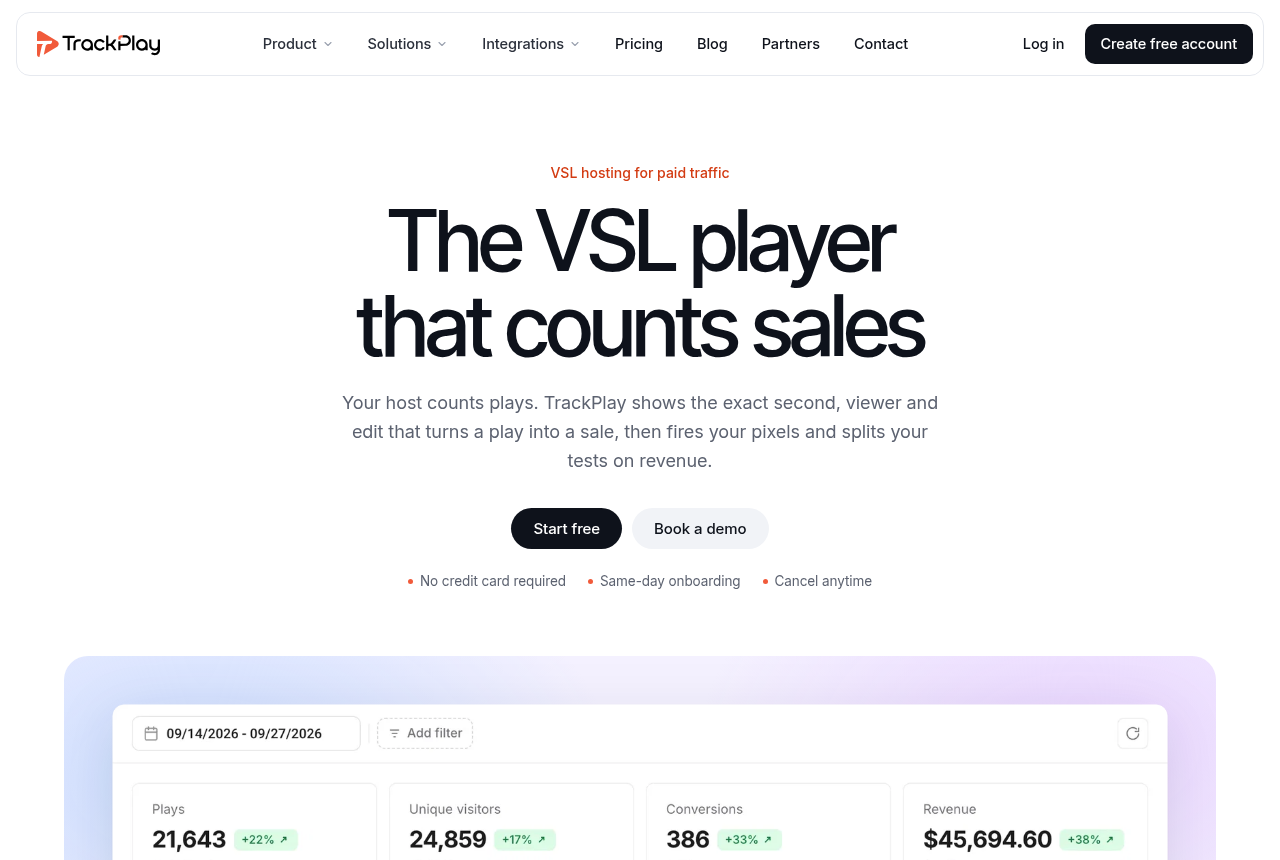
The homepage FAQ describes browser tracking as a separate path: Meta and Google Ads pixels fired at watch-time milestones you choose. The integration page says API delivery is server to server, that ad blockers and iOS privacy features do not stop it, and that it can run without the Meta browser pixel. Those public pages do not say how a shared event id would be set between that browser pixel and the server Purchase. If you fire both, Meta's four-part match above still applies, and the public pages do not show the field that would carry that id.
The main limit is the type of video it is built for. TrackPlay is built for paid-traffic VSL conversion. It has none of the channel pages, SEO pages or webinar tools of a Wistia-style host, so it is a poor fit when the video's job is content marketing. A direct-response sale still gets the player, the watch reporting and the cart postback.
Outside proof is thin. Testimonials sit on the vendor's site, independent reviews are scarce, and signup asks for an invitation code. That is typical while a product is this new, so buyers read the documentation and test on a small budget before they spend heavily on ads. The carts that post the sale back from their own server are ClickBank, ClickFunnels, Kiwify, BuyGoods, Digistore24, WarriorPlus and JVZoo. For the fuller write-up, see the TrackPlay review. Players for the same paid-traffic job are on the VSL video player page.
TrackPlay
- 23 Nov 2026
- Paid plans start at $29 a month. The free plan includes 1,000 plays a month, with a watermark, and it does not require a credit card. Paid features include a 14-day trial.
Use it for a paid-traffic sales video when the cart posts the sale and the Purchase should be sent from the server.
Choose the tool that sends the server copy
That page sorts a cloud tracker, a server container and a cart postback by which plan actually sends the Purchase.
Where this sits among the comparisons
This article explains what the Pixel and the Conversions API each send, next to the tool matchups. The comparison index lists those head-to-heads. When you are choosing which cloud tracker should post the sale, start with RedTrack vs Voluum.
Sources
The merge rules are in Meta's deduplication guide. The Overview count and the match score are on Meta's setup verification page. The server path and the separate-website purchase are in Meta's end-to-end guide. The doubled Overview reading is in SyncTag's note.
The cart Purchase, the hashed fields and the watch-time pixels are on TrackPlay's Meta integration page and the TrackPlay homepage.
Related reading

Written by
Marcus Flynn
Tracking and attribution editor
Marcus Flynn runs OfferROAS's tracking and attribution desk. He covers direct-response paid media for this site, from the tracker to the merchant account. He reads operator threads, vendor changelogs and pricing pages, then writes what those sources support. He sets the methodology and puts his name on the commercial pages.
Last checked 2026-11-23
Comments
No comments yet. Questions and your own experience are welcome.
Thank you. Your comment will appear once it has been reviewed.