Head-to-head
RedTrack vs CPV Lab Pro
RedTrack hosts the tracker and records what each ad spent. CPV Lab Pro runs on a server you manage. You can pay monthly or buy a version once.
By Marcus Flynn, tracking and attribution editor. Updated 24 October 2026.
Choose RedTrack if you want the vendor to host the tracker and you judge each ad by its profit. Choose CPV Lab Pro if you will run the server and you want a flat monthly price or a one-time purchase.
Quick answer
Pick RedTrack when the vendor should host the tracker. Pick CPV Lab Pro when you want the click data stored on a server you control.
- RedTrack. Hosted tracking, with profit shown per ad.
- CPV Lab Pro. Self-hosted tracking at a flat price.
Side by side
| Tool | Delivery | Pricing | CAPI | Your data | From |
|---|---|---|---|---|---|
| RedTrack | Managed cloud | Per event | On every plan | Vendor cloud | $169/mo |
| CPV Lab Pro | Self-hosted | Flat / one-time | From Pro plan | You own it | $57/mo |
RedTrack: pros and cons
What works
- The report shows what each ad spent, so you can scale one creative and stop another.
- You use one login for affiliate campaigns and for a store you own.
- The pricing page lists the event cap and the seats for Solo, Team and Enterprise.
- Conversion API, ad spend sync and Stop Rules come with every affiliate plan.
What to watch
- Faster spend sync is an add-on on Solo and Team. Ads Manager is an add-on on those plans and is included on Enterprise.
- Events over the cap cost extra. You pay that extra in months when traffic is high.
- Sales that close on the phone after several weeks are what Hyros is built for.
- You still set up the UTMs, the pixel and the Conversion API yourself. RedTrack shows which part of that setup is missing.
CPV Lab Pro: pros and cons
What works
- You own it. CPV Lab is self-hosted, so your click data, redirects and tracking domains live on hardware you control. Every tier includes unlimited events and unlimited campaigns, so a winning campaign that suddenly does volume stays on the same plan.
- It routes traffic the way a media buyer needs. Direct-link and landing-page campaigns, multiple-path and listicle funnels, offer rotation and landing-page split testing are built in, with S2S postbacks into 300-plus preconfigured traffic sources and affiliate networks, and cookieless tracking that keeps firing on iOS and Safari.
- Conversion API forwarding starts on the Pro plan: server-side conversions back to Meta, TikTok, Google Ads and Microsoft, with enriched signals (email, phone, custom parameters) on Expert.
- Buyers mention support more than anything else, and a one-time licence replaces the monthly fee.
What to watch
- It is self-hosted, so you own the server as well as the tracker. You set up and patch the server yourself: a Linux VPS, PHP, MySQL, the ionCube Loader, SSL, tracking domains and cron jobs. Someone who has never managed a server has the most setup work. A media buyer who already runs a VPS will treat the install as a small job in exchange for keeping the data.
- Getting the software onto the server is the first step. Before a campaign can track, you configure traffic sources, postbacks or the Conversion API, and your tracking domains. One user reported the Google Ads API conversion import not working.
- Independent proof is thin in absolute numbers. The 4.9 scores on G2 and Capterra are real, and they rest on a couple of dozen reviews. Use your own 14-day trial and the 30-day money-back window to judge it.
- The lifetime licence covers version 13. A later major version is a new purchase. Support on the one-time licence ends after four major versions. Choose the monthly or yearly plan if you want each new version included.
The real differences
What each one actually is
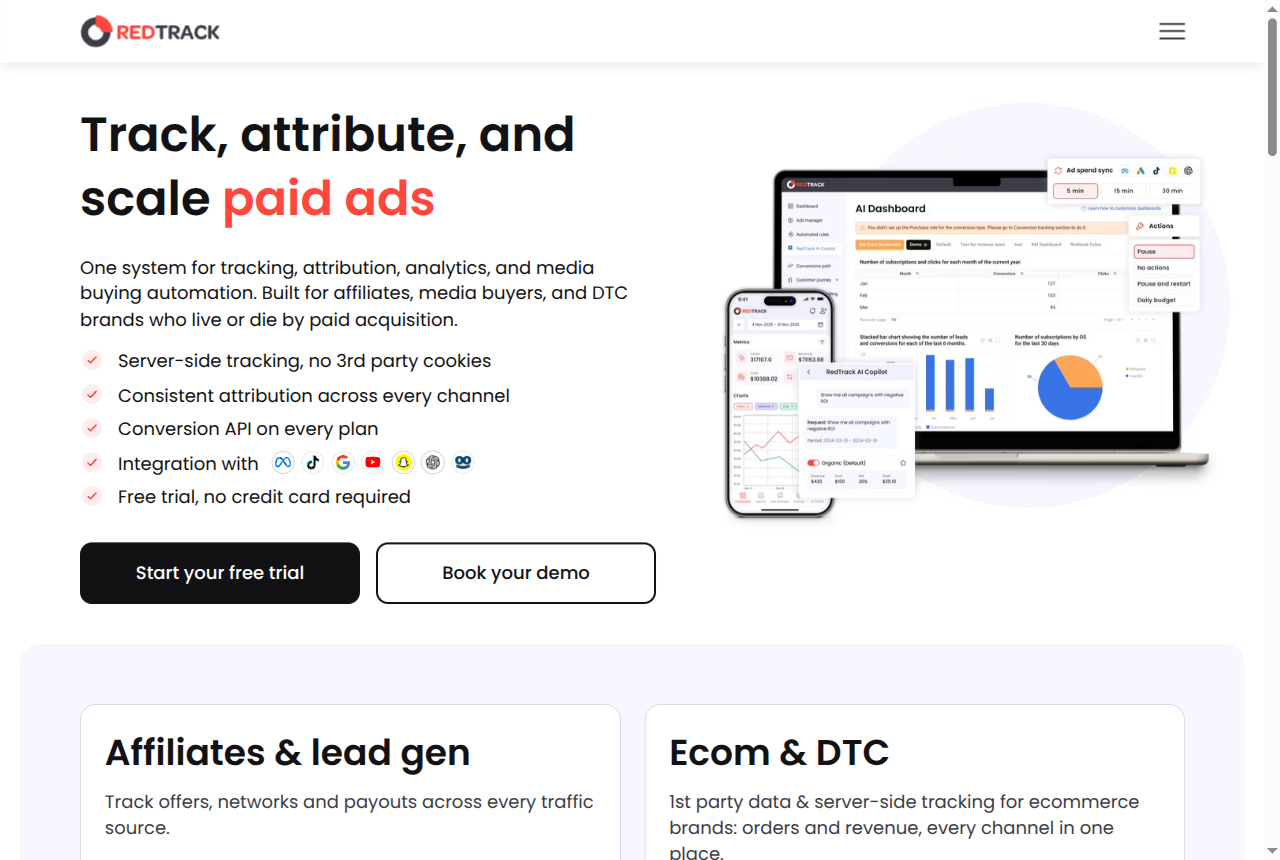
RedTrack is a cloud tracker you log into. You connect the ad accounts, send the clicks through it, and it records each click and conversion on its own servers. Spend is matched to the individual ad, and conversions go back to the ad platforms. The homepage names the audience as affiliates, media buyers and DTC brands. The vendor runs the software.
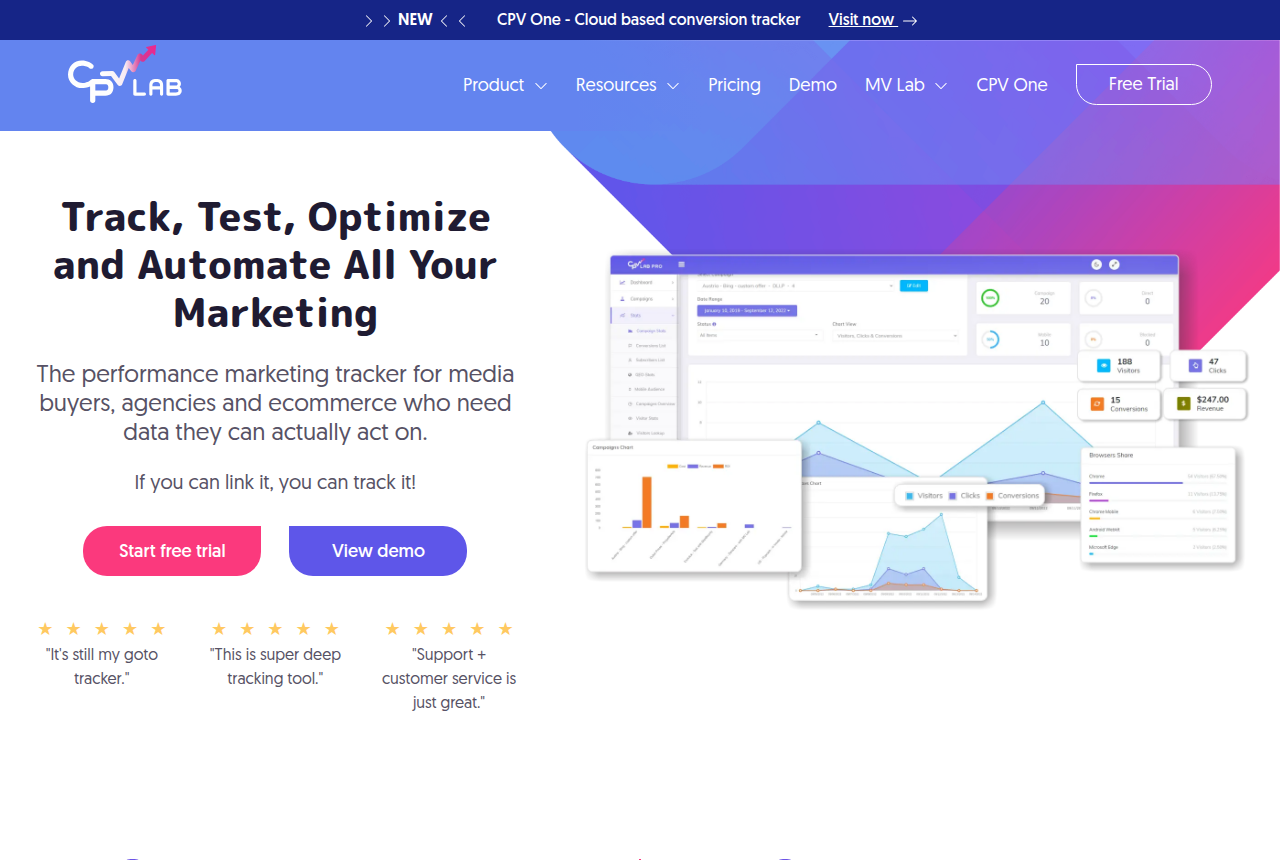
CPV Lab Pro is a self-hosted tracker, installed on a Linux server you run. Campaign links pass through it. It stamps the click, records the conversion, rotates offers, split-tests landers and reads results through server-to-server postbacks. Forwarding to Meta, TikTok, Google Ads and Microsoft starts on the Pro plan. Direct-link and landing-page campaigns, multiple-path and listicle funnels, offer rotation and bot filtering are built in. What you buy is a licence for software you run.
RedTrack is a hosted account. CPV Lab Pro is software that stays on your server. That split decides more of this matchup than any one feature.
How they track, and what they optimize
RedTrack is built around the paid-media loop. ROAS and CPA use the spend recorded on the ad. Conversion API coverage on the first affiliate plan includes Meta, Google, TikTok and Snapchat. Buyers on paid social, and stores matching orders to ads, use that loop every day.
CPV Lab Pro covers that same loop on the server you run. The top tier can attach email and phone to the conversion, and campaign cost comes back into the reports. Around that, you get offer rotation, landing-page tests, multiple-path and listicle funnels, sub-IDs for more than 300 traffic sources and networks, and cookieless postbacks that still record the click on iOS and Safari. You patch the server it runs on.
Both feed the ad platforms. The split is who hosts the tracker, how you pay, and where the click data lives.
How you pay, and who runs the server
RedTrack meters events. Each plan comes with a set number of events. Events over that number are billed. Faster spend sync, and Ads Manager before the top plan, are add-ons. Hosting is included in the RedTrack subscription.
CPV Lab Pro uses a flat licence fee. You can pay each month, pay for the year, or buy one version once. You also pay for the server: a Linux VPS with PHP, MySQL, the ionCube Loader and SSL, plus tracking domains, backups and uptime. The vendor walks through the install on an onboarding call.
On the affiliate plans, Starter and Pro both cost less than RedTrack's first plan. Pro is the first CPV Lab Pro plan that includes conversion forwarding. A high-volume month costs more on RedTrack after you pass the event allowance. You still pay a host for the Linux server.
Who each one is for
RedTrack fits media buyers running paid social, Google and affiliate networks, and stores that match refunds and repeat customers to ad spend. You decide which ads to scale by their profit. A sale that takes weeks and closes on the phone is a job for Hyros. On a large account the add-ons push the invoice above the plan price.
CPV Lab Pro fits the affiliate who will run the server and wants the click data on hardware they control. The price stays the same when traffic spikes. Installing it takes real work. An affiliate on r/Affiliatemarketing called it "stable, affordable and does the job." A Google Ads user reported that the conversion import did not work, so book the onboarding call before you rely on the first campaign.
What each one costs
The old Builder plan is no longer on the affiliate price list. The RedTrack plans are Solo, Team and Enterprise.
- Solo. The monthly price is $169. A year paid up front is $1,420, a 30% discount, and RedTrack's pricing page keeps that rate when the year renews. The same page lists the yearly price as $118 a month. The plan includes 5 million events, one user and five ad accounts on each ad platform. Past that allowance, events are $0.04 per 1,000. An event is a click, a conversion or a postback. Impressions are a separate fee. Spend on each ad updates every 60 minutes. CAPI for Meta, TikTok, Google and Snapchat is on this plan.
- Team. Team costs $399 a month and $3,352 for the year. Coverage is 20 million events and five users. Extra events are $0.035 per 1,000, and spend syncs every 30 minutes.
- Enterprise. Enterprise is $999 a month, or $8,392 billed once for the year. It covers 75 million events and 15 users. Past the cap, events are $0.025 per 1,000. Ads Manager and Scale Rules are included on this plan.
Each affiliate plan opens with a 14-day trial. Faster sync, and Ads Manager on Solo and Team, are add-ons priced by monthly ad spend.
Stores have their own plans. Relay has no monthly charge for one store and uses last-click attribution from UTMs. Brand is $99 a month at the $250,000 revenue tier, with three stores and multi-touch attribution, or $832 for the year. Agency is $599 a month at that tier, with unlimited stores, or $5,032 for the year.
CPV Lab Pro sells a licence, and every tier includes unlimited campaigns and unlimited events. Starter is $57 a month, or $48 a month when the year is paid up front ($577 for the year). Pro is $97 a month, or $81 on the yearly bill ($977 for the year). Expert is $187 a month, or $156 on the yearly bill ($1,877 for the year). A one-time licence is $1,157, $1,957 or $3,757, and it covers version 13. A later major version is a separate purchase. Conversion API forwarding and automatic cost sync start on Pro. Starter includes the basic API. The trial is 14 days with no card, and there is a 30-day money-back window. The Linux server is a separate bill you pay a host.
Starter and Pro cost less than Solo whether you pay each month or for the year. Expert costs more per month than Solo's list price. Expert's yearly rate is also higher than Solo's yearly rate. Expert can attach an email address and a phone number to the conversion. The smallest one-time licence costs less than one year of Solo at the yearly rate. The Pro licence costs more than one year of Solo at the yearly rate. It costs less than two years at that rate. Once you pass the Solo allowance, each extra million events costs $40. CPV Lab Pro keeps the same price as events rise.
Our pick
RedTrack
Choose RedTrack when you want hosting included and spend shown on every ad. Choose CPV Lab Pro when you can run the server and you want a flat monthly price or a one-time purchase.
Frequently asked questions
RedTrack or CPV Lab Pro: which should I pick?
Is RedTrack or CPV Lab Pro cheaper?
Do I need to run a server for either one?
Do both send conversions back to Meta and TikTok?
What changed on this page
-
Builder is off the affiliate card. CPV Lab Pro's licence is the lower affiliate bill. The RedTrack plans are Solo, Team and Enterprise. RedTrack stays the pick when you want spend on each ad and no server.
-
First published. Prices and features were read from each vendor's own site.
Sources
From RedTrack and CPV Lab Pro
- https://www.redtrack.io/
- https://www.redtrack.io/pricing/
- https://www.redtrack.io/pricing/
- https://help.redtrack.io/ufaq/what-qualifies-as-an-event/
- https://cpvlab.pro/
- https://cpvlab.pro/pricing.php
Other sources
2 discussions and reviews read for this page. Quotes are excerpts; open a link to read the original in context.
- [cpv-reddit-affm] Affiliate marketer on CPV Lab
- [cpv-reddit-gads] Google Ads user on CPV Lab conversion import
How we compared these
We do not run paid campaigns through either tool. We read each vendor's documentation and pricing pages, verify the figures there, and weigh long-term reports from operators. The full rubric is on the methodology page.
Related reading
- RedTrack review
- CPV Lab Pro review
- RedTrack vs Binom
- RedTrack vs Voluum
- Binom vs CPV Lab Pro
- CPV Lab Pro alternatives
- Best ad tracking and attribution software
- All head-to-head comparisons
Comments
No comments yet. Questions and your own experience are welcome.
Thank you. Your comment will appear once it has been reviewed.