Head-to-head
ElasticFunnels vs CartFlows
One rebuilds the WooCommerce checkout inside WordPress. The other hosts the whole paid-traffic funnel. Where your sales come from settles most of this.
By Marcus Flynn, tracking and attribution editor. Updated 12 October 2026.
Pick ElasticFunnels if you buy traffic on Meta, Google or TikTok and want the pages, the split tests, the checkout and the reporting on one hosted platform; pick CartFlows if your store already runs on WooCommerce and you want a better checkout and one-click upsells without leaving WordPress.
Quick answer
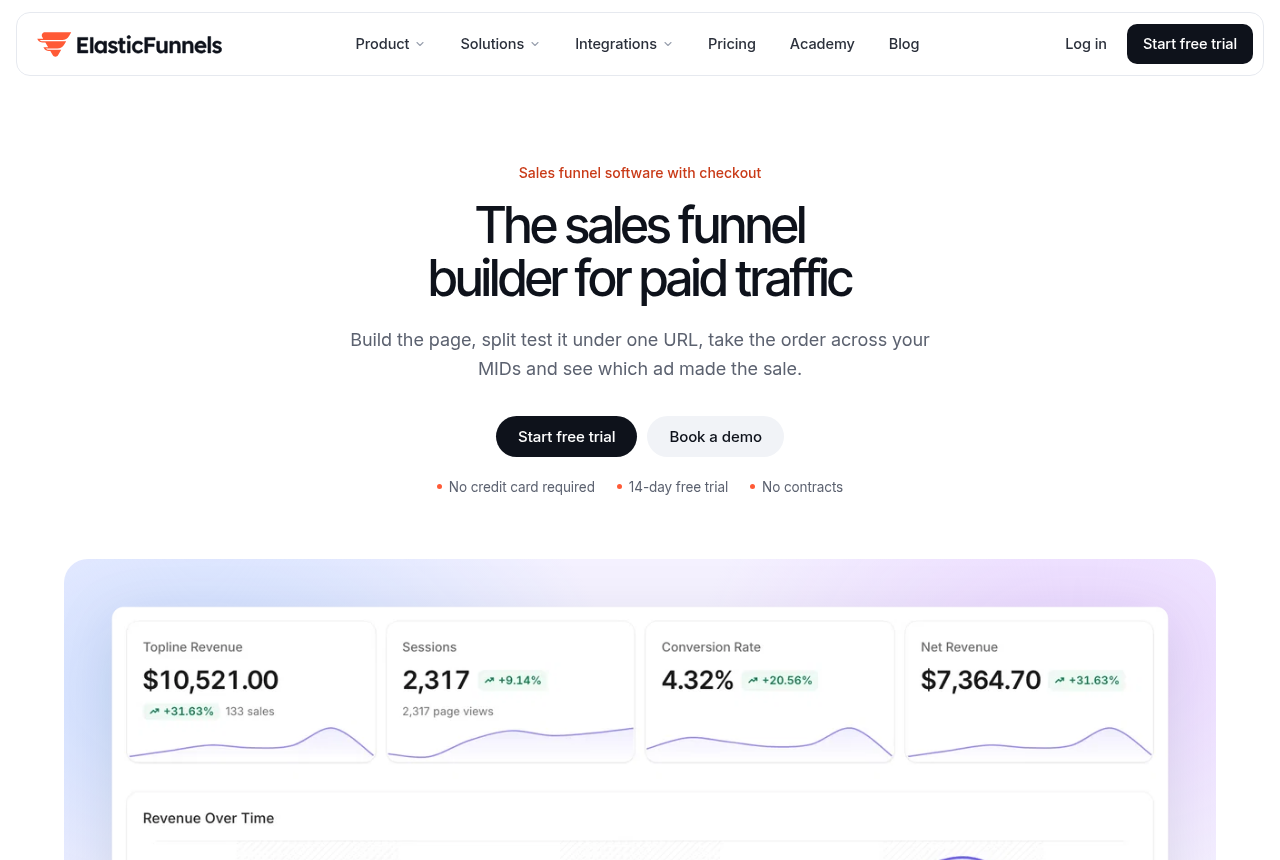
ElasticFunnels is our top pick for most people. ElasticFunnels is a funnel platform for teams that buy traffic. It builds the pages, split-tests them under one URL, hosts the checkout with order bumps and multi-MID routing, and keeps the CRM, automations and attribution on the same data layer. It tops this list for a reason a tracker bolted onto a separate stack cannot match: a click, an order, a rebill and a refund are one record, so revenue reports per ad, page and variant without stitching four exports together. It is the pick when you are building the funnel anyway and want the numbers to come from the same place the sale happened.
- ElasticFunnels. Best for Attribution built into the funnel. From $97/mo.
- CartFlows. Best for WooCommerce store owners who want a better checkout and post-purchase upsells inside WordPress, without moving to a hosted funnel platform. Has a free tier.
Side by side
| Tool | Platform | Built for | Checkout | Same URL | Trial | Priced by | From |
|---|---|---|---|---|---|---|---|
| ElasticFunnels | Hosted | Paid traffic | Multi-MID | Yes | 14 days | Traffic | $97/mo |
| CartFlows | WordPress plugin | WooCommerce stores | Woo checkout | Not advertised | Free plugin | Yearly licence | Free tier |
ElasticFunnels: pros and cons
What works
- Pages, split testing, checkout, CRM and attribution sit on one data layer, so a click, an order, a rebill and a refund are one record instead of four exports you reconcile by hand.
- Same-URL split testing rotates variants server-side under one campaign link, so Meta, Google and TikTok keep their learning and a test never sends the ad back through review.
- Revenue, EPC and ROAS report per ad, page and variant, and sales post back to Meta, Google and TikTok from the same record the order lives on.
- Every feature is on every plan. You pay by traffic, and the checkout, the CRM and the call center are not gated behind a higher tier.
What to watch
- Newer than the platforms it competes with, and there is very little independent third-party review coverage to check its claims against. Until you run real volume through it you are largely taking the vendor's word for it. That is what you would expect of a platform this new, so use the 14-day trial to verify the numbers on your own traffic before you commit a live campaign.
- Because it hosts the funnel, it fits teams building their pages and checkout here. If your pages and cart already live somewhere else and you only want a tracking layer on top, a standalone click tracker is the lighter buy for that job.
- EF-hosted checkouts carry a 0.5% fee on the revenue that runs through them. Sales on external platforms and affiliate networks such as ClickBank or BuyGoods are not charged.
CartFlows: pros and cons
What works
- A real, established, WooCommerce-native product. CartFlows has shipped since 2018, runs on more than 800,000 stores, is built by Brainstorm Force (the team behind the Astra theme, used on millions of sites), and holds 4.8 out of 5 across more than 500 WordPress.org reviews. If your question is whether it is real and will still be here, the answer is yes.
- It fixes WooCommerce's weakest point, the checkout. CartFlows replaces the default WooCommerce checkout with optimized layouts, order bumps and one-click upsells, which is the step where revenue is won or lost. Reviewers repeatedly call the setup easy enough for non-developers, and the template library gets a funnel live fast.
- You keep your own stack. Everything runs inside your own WordPress site on WooCommerce, so you own your data, your hosting and your payment gateways (Stripe, PayPal, Square, Authorize.Net and more) rather than renting a hosted funnel platform that holds all of it. For an operator who already lives in WordPress, that is the real draw.
- Cheap for what it does, with a genuine free version. The free plugin on WordPress.org builds simple funnels, Starter is $99 a year, and every paid plan has a 14-day money-back guarantee. Pro-tier features like A/B testing and dynamic upsells cost a fraction of what a hosted funnel SaaS charges each month.
What to watch
- WooCommerce-only. CartFlows needs WordPress and WooCommerce to run, so a store on Shopify or a hosted platform cannot use it. For a store already on WooCommerce, this limit costs nothing, since that is the platform it was built for.
- It can conflict with other plugins. Users report clashes, Elementor in particular, where one reviewer had to remove CartFlows to get Elementor working again. Budget time for compatibility testing before you launch. A simple stack rarely hits it; a site already heavy with page-builder and checkout plugins is more exposed.
- Billing and cancellation draw the sharpest complaints. Reviewers on Trustpilot and Capterra report being charged after they cancelled and a cancel option that is hard to find, with slow support once a refund is in play. The software itself is not the issue here; the account and refund handling is. Cancel in writing well before your renewal date and keep the confirmation.
- The features you want are gated to paid tiers, and renewals cost more than year one. A/B testing, dynamic one-click upsells and smart funnel routing need Pro ($199/year); cart abandonment recovery and the rest need the Suite. Every plan renews at a higher rate than the first-year price. Price the renewal, not the launch discount.
The real differences
Two different shapes of product
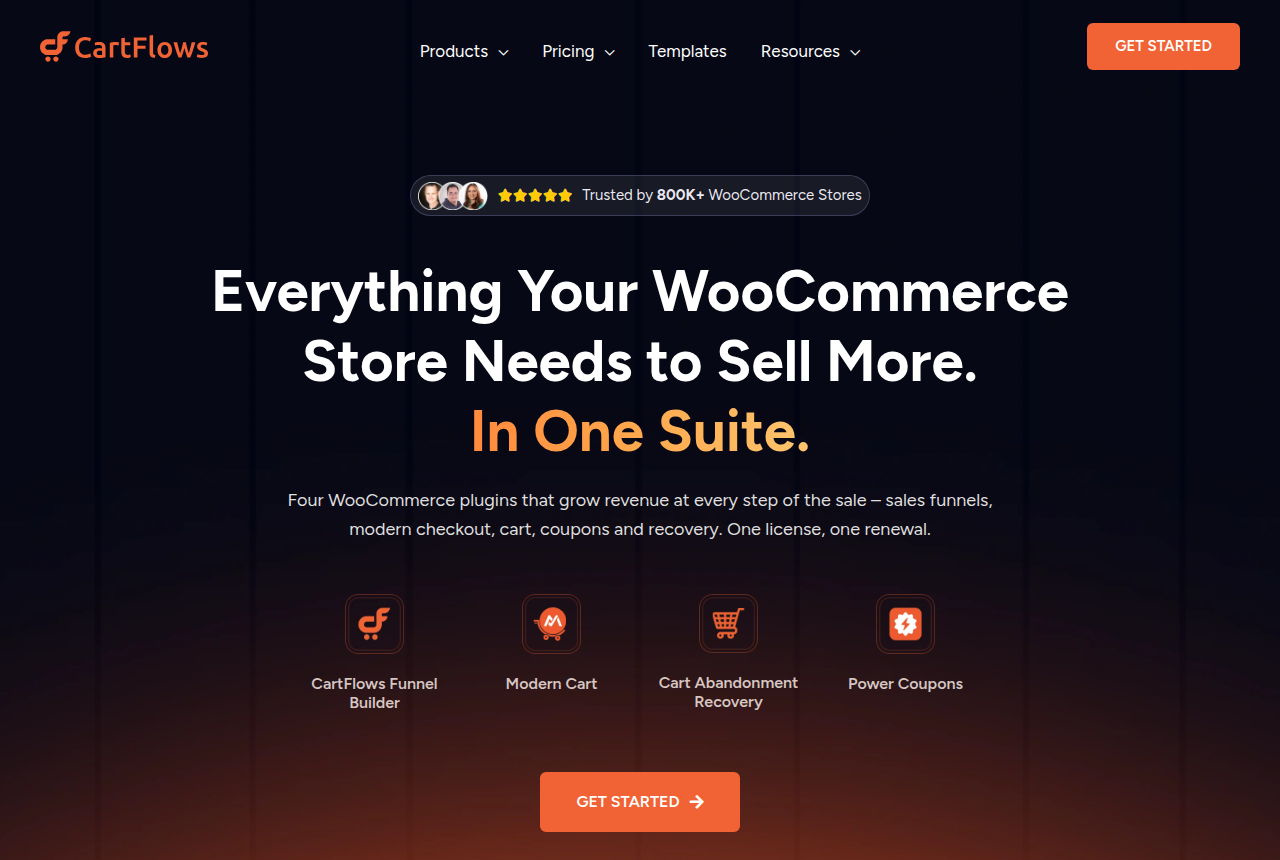
CartFlows is a set of WooCommerce plugins. Its homepage describes four of them covering sales funnels, a modern checkout, the cart, coupons and recovery, and all of it runs inside a WordPress site you host. There is no separate CartFlows platform where your pages live. ElasticFunnels is a hosted funnel platform for teams that run paid traffic. It builds the pages, with an AI builder that drafts one from a prompt or clones one from a URL, split-tests them under one link, hosts the checkout, and keeps the CRM, automations and attribution on the same data as each order.
So the first question is where your selling happens today. A WooCommerce store with a catalog, search traffic and email buyers already has the foundation CartFlows needs. An offer that lives on ad spend, with a lander, an order form and a run of upsells, matches the shape ElasticFunnels was built around. The CartFlows review and the ElasticFunnels review cover each product in depth.
Testing a page while the ads keep running
Both tools let you test. CartFlows runs A/B tests on funnel steps inside WordPress, which suits a store comparing two checkout layouts on steady traffic. The catch for media buyers is the URL. Independent comparisons of funnel tools warn that step-level tests which change the landing URL can push Meta and Google campaigns back into learning, and WordPress users discussing funnel plugins say they tend to trail dedicated platforms on testing and integrations.
ElasticFunnels' lead feature answers that directly. Variants rotate server-side behind one campaign link, so the ad keeps the URL it was approved with and the platform keeps what it has learned, and the vendor says winners are picked on sales instead of clicks. If you test landers at real spend every week, this is the biggest practical gap between the two.
Checkout, upsells and payments
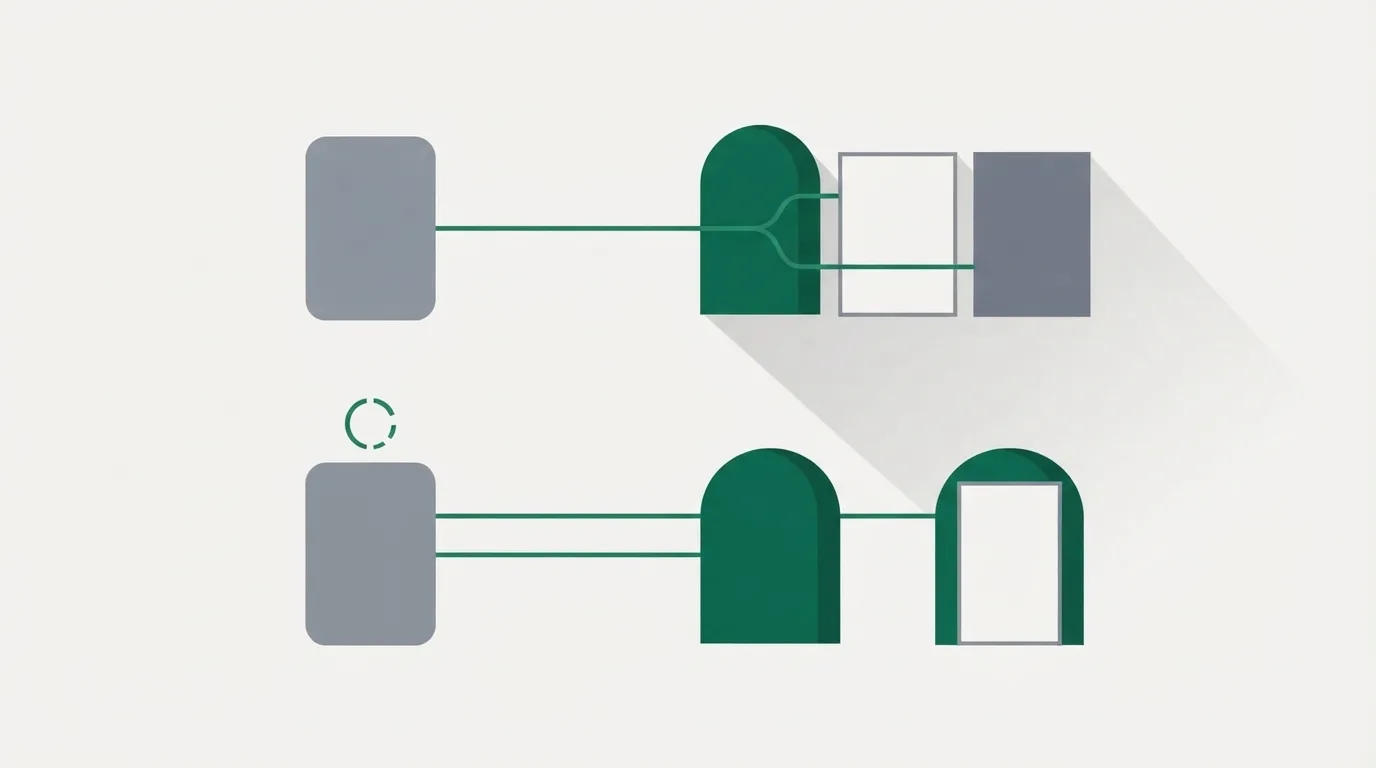
CartFlows replaces WooCommerce's plain default checkout with its own layouts, order bumps and one-click upsells, and payments stay on the gateways your store already uses. Its own help docs list the cases where an upsell gets skipped: a zero cart total, a gateway that does not support the one-click charge, an opt-in step placed before checkout, another plugin interfering, or wrong offer rules. Check your gateway against its supported list before you build a post-purchase flow on it. Offers that change with the cart, and smart funnel routing, come with the Pro licence.
ElasticFunnels hosts the checkout itself, with order bumps, post-purchase offers and subscriptions. It charges through Stripe, NMI, PayPal, Klarna or Authorize.net, and can hand buyers to ClickBank, BuyGoods, Digistore24 or Shopify Checkout instead. A merchant with several NMI merchant accounts can split first sales across them by weight, with rules by card brand, product and amount and a daily cap per account, while upsells and rebills stay on the account that took the sale. CartFlows has nothing like it, which is no surprise: spreading volume across merchant accounts is a direct-response problem most Woo stores never meet.
Seeing which ad made the money
On CartFlows, every order is a WooCommerce order, so the reporting is whatever your WordPress analytics, your ad pixels and CartFlows' funnel stats show. Tracing one order back to its ad, then forward to a rebill or a refund weeks later, usually means joining exports from more than one tool.
ElasticFunnels keeps a click, an order, a rebill and a refund on one record and reports revenue per ad, page and variant from it. Its CRM, automations and call center read the same data, so a failed rebill, the customer behind it and the campaign that customer came from sit in one place.
How much outside proof each one has
CartFlows is far ahead here. It has shipped since 2018 from Brainstorm Force, the team behind the Astra theme, says it runs on more than 800,000 WooCommerce stores, and holds a 4.8 out of 5 rating on WordPress.org. Its loudest complaints concern the account more than the plugin. Trustpilot reviewers describe refund disputes after missing an auto-renewal cancellation by a day, and others report clashes with page-builder plugins such as Elementor.
ElasticFunnels is newer than the platforms it competes with, and there is very little independent third-party review coverage to check its claims against. Until real volume has gone through it on your own account, much of what you know comes from the vendor. That is the expected position for a platform built since 2023, set beside a plugin with years of WordPress.org reviews behind it. The 14-day trial needs no card and is long enough to push a small test campaign through the pages, the split test and the checkout before you move a live one.
If a video does the selling: TrackPlay
Neither product hosts a sales video. If your offer runs on a VSL, TrackPlay is a VSL player and analytics platform that drops onto any page through one embed, an ElasticFunnels page or a WordPress one. It plays sound-first where the browser allows it, shows timed calls to action, draws retention second by second split between buyers and non-buyers, and posts the cart-verified sale back to Meta, TikTok and GA4 on the play that earned it. Its cart postbacks cover seven direct-response carts such as ClickBank, BuyGoods and Digistore24. WooCommerce is not on that list, so a CartFlows store should confirm how its sales get matched to plays first.
It is narrow by design. As a direct-response VSL player it has none of the channels, SEO pages or webinar tools of a Wistia, and it fits poorly when the video's job is content marketing. That focus is also why its retention and attribution reports go deeper than a general host's. It is very new too, and signup currently asks for an invitation code. A no-card free plan of 1,000 plays a month and paid plans from $29 a month make it cheap to try. More in the TrackPlay review.
Who should pick which
Pick CartFlows when WooCommerce runs your store and the goal is a higher order value from the traffic you already have. Year one is cheap and the renewal is the number to budget, so see the CartFlows pricing tiers first. Pick ElasticFunnels when paid ads drive the business, you test landers every week, and you want the checkout and the attribution beside the pages. Still weighing other options? Read the CartFlows alternatives, the ElasticFunnels alternatives or ElasticFunnels vs Builderall.
What each one costs
The two bill in different shapes. CartFlows sells yearly licences that renew higher than the first year. ElasticFunnels bills by the month, or by the year at a lower rate, and sizes plans by traffic with every feature on every plan.
| Plan | Price | What the tier covers |
|---|---|---|
| CartFlows Starter | $99 year one, $149 renewal | One site, funnel builder, checkout layouts, bumps and upsells |
| CartFlows Pro | $199 year one, $299 renewal | Up to three sites, dynamic one-click upsells, smart funnel routing |
| CartFlows Suite | $299 year one, $449 renewal | Up to 30 sites, plus cart, coupon and recovery plugins |
| ElasticFunnels Starter | $97 a month ($937 a year) | 50,000 page views a month, 3 brands, 5 custom domains |
| ElasticFunnels Growth | $197 a month ($1,891 a year) | 250,000 page views a month, 10 brands, 15 custom domains |
| ElasticFunnels Scale | $497 a month ($4,771 a year) | 500,000 page views a month, unlimited brands, 50 custom domains |
Neither sticker is the whole bill. CartFlows runs on WordPress hosting you pay for separately. ElasticFunnels bills overage when a month passes its page-view limit, at $1.20, $1.00 or $0.80 per extra 1,000 depending on the plan, and does not count bot, datacenter or test traffic. It also takes 0.5% of revenue processed through its own checkouts, while sales sent to ClickBank, BuyGoods, Shopify or another outside checkout carry no fee.
For a small store, CartFlows is the cheaper buy by a wide margin: Pro costs $199 in its first year against $937 for a year of ElasticFunnels Starter. The gap narrows once the business also needs page hosting that holds up under ad traffic, a split-testing tool, a CRM and attribution, which ElasticFunnels includes on every plan. On trying before buying, ElasticFunnels gives 14 days free with no card. CartFlows offers a free plugin on WordPress.org, and its paid licences carry a 14-day money-back guarantee, so you pay first and can ask for the money back inside two weeks. The full breakdowns are on the ElasticFunnels pricing page and the CartFlows pricing page.
Prices and buying terms checked on each vendor's own pages, current as of 12 October 2026.
Our pick
ElasticFunnels
ElasticFunnels is a funnel platform for teams that buy traffic. It builds the pages, split-tests them under one URL, hosts the checkout with order bumps and multi-MID routing, and keeps the CRM, automations and attribution on the same data layer. It tops this list for a reason a tracker bolted onto a separate stack cannot match: a click, an order, a rebill and a refund are one record, so revenue reports per ad, page and variant without stitching four exports together. It is the pick when you are building the funnel anyway and want the numbers to come from the same place the sale happened.
Frequently asked questions
Can CartFlows run without WooCommerce?
Will ElasticFunnels replace my WooCommerce store?
Which is better for testing landers on Meta ads?
Which one costs less for a small store?
Does CartFlows have a free trial?
Sources
From ElasticFunnels and CartFlows
- https://elasticfunnels.io/
- https://elasticfunnels.io/pricing
- https://cartflows.com/
- https://cartflows.com/pricing/
- https://cartflows.com/docs/resolve-upsell-downsell-skipped-issue/
Other sources
3 discussions and reviews read for this page. Quotes are excerpts; open a link to read the original in context.
How we compared these
We do not run paid campaigns through either tool. We read each vendor's own documentation and pricing, verify every number against the source, and weigh the long-term reports of operators who run them at real spend. The full rubric is on the methodology page.